


Creating great digital experiences takes more than creativity, it requires the right resources. From UI inspiration and design systems to AI tools, typography, and UX research, having a curated toolkit helps designers work faster, stay inspired, and build better products. Whether you’re a beginner or an experienced designer, this guide highlights the essential UI/UX resources to elevate your workflow and skills.
Why Every UI/UX Designer Needs a Resource Library
The best designers don’t memorise every tool, they know where to find the right one.
A personal resource library helps you:
- Design faster with reusable assets.
- Stay inspired by world-class interfaces.
- Maintain consistency across projects.
- Learn emerging trends and technologies.
- Improve accessibility and usability.
- Collaborate efficiently with developers.
- Build stronger portfolios.
Rather than bookmarking hundreds of random websites, organise your favourite resources into categories such as inspiration, research, typography, icons, mockups, AI, design systems, and learning platforms.
A well-structured resource library becomes an investment that grows with your career.

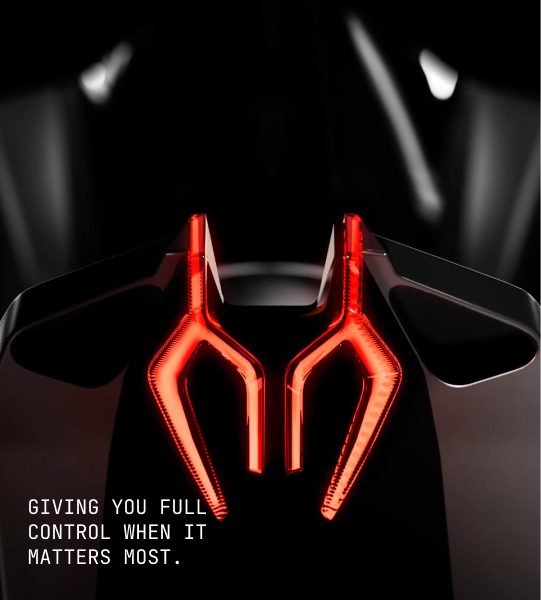
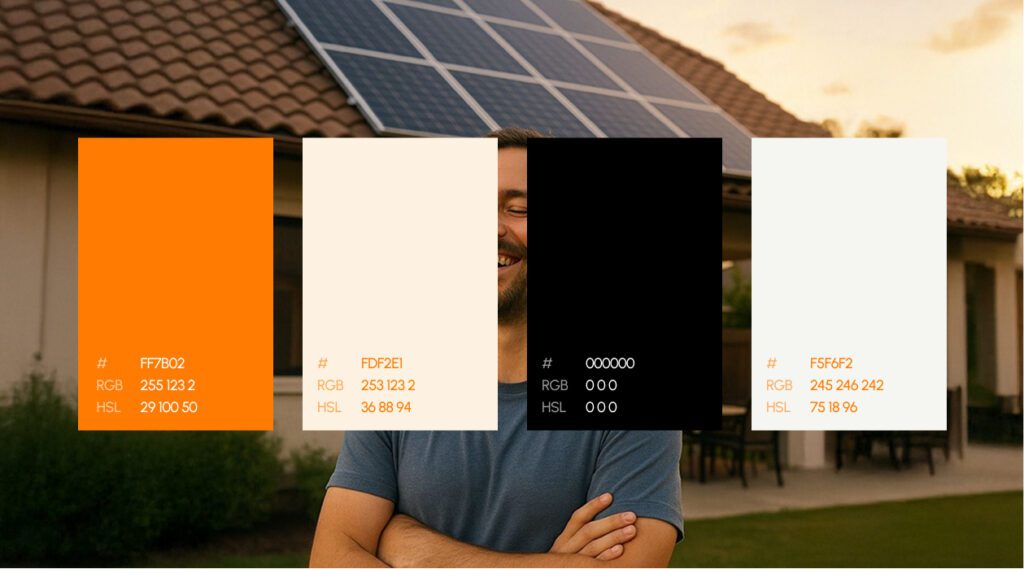
Explore the UI/UX design system behind the EVOS.
Best UI Design Inspiration Websites
Every great interface begins with inspiration. Before opening Figma, successful designers study existing products to understand layout patterns, navigation styles, onboarding flows, pricing pages, dashboards, and mobile experiences.
The following platforms showcase outstanding digital products from around the world.
Mobbin
One of the most popular UI inspiration libraries featuring thousands of real mobile and web application screenshots.
Perfect for:
- Onboarding flows
- Checkout experiences
- Authentication screens
- Empty states
- Mobile interactions
Awwwards
A collection of award-winning websites recognised for creativity, interaction design, animations, and innovation.
Ideal for:
- Portfolio inspiration
- Creative agencies
- Landing pages
- Interactive storytelling
- Motion design
Land-book
A curated gallery of modern landing pages organised by colour, style, industry, and layout.
Useful for:
- SaaS websites
- Startup landing pages
- Marketing websites
- Hero section ideas
Lapa Ninja
A favourite among UI designers looking for clean website inspiration across hundreds of industries.
Great for discovering:
- Ecommerce pages
- Agency websites
- Product launches
- Responsive layouts
Godly
Godly focuses on unique web experiences and experimental interfaces that push creative boundaries.
Perfect when you’re looking for fresh design ideas beyond traditional layouts.
UI Garage
Thousands of UI components organised by category including:
- Login screens
- Dashboards
- Calendars
- Navigation menus
- Search interfaces
- Settings pages
Instead of redesigning common components from scratch, study proven interaction patterns first.

Explore the UI/UX design process behind the Maverick AI.
UX Research & User Testing Resources
Beautiful interfaces mean little if users struggle to complete tasks.
UX research helps designers understand user behaviour before making design decisions.
Maze
Maze enables designers to run usability tests directly from prototypes.
You can:
- Measure task completion
- Collect feedback
- Analyse heatmaps
- Validate ideas quickly
Hotjar
Hotjar provides behavioural analytics including:
- Heatmaps
- Session recordings
- Surveys
- User feedback widgets
These insights reveal where users click, scroll, hesitate, or abandon pages.
Optimal Workshop
A leading platform for information architecture research.
Features include:
- Card sorting
- Tree testing
- First-click testing
- Surveys
Ideal for improving website navigation and content organisation.
Nielsen Norman Group (NN/g)
One of the most respected authorities on usability and user experience.
Their articles cover:
- UX research
- Accessibility
- Design thinking
- Interaction design
- User psychology
Every UX designer should regularly explore their extensive knowledge base.
Baymard Institute
If you’re designing ecommerce experiences, Baymard is an invaluable resource.
Their research focuses on:
- Checkout optimisation
- Product pages
- Search usability
- Mobile commerce
- Navigation patterns
Their findings are backed by years of usability testing.Design Systems Every Designer Should Know
Design systems ensure consistency across products while improving collaboration between designers and developers.
Learning industry-standard systems helps you build scalable products more efficiently.
Material Design
Google’s comprehensive design system includes:
- Components
- Typography
- Motion
- Colour guidance
- Accessibility recommendations
It’s one of the best resources for understanding scalable interface design.
Apple Human Interface Guidelines
Essential reading for anyone designing iOS, iPadOS, macOS, or visionOS applications.
You’ll learn:
- Native interaction patterns
- Gestures
- Spacing
- Typography
- Platform conventions
Untitled UI
One of the largest premium Figma UI kits available.
Features include:
- Hundreds of components
- Templates
- Design systems
- Responsive layouts
Perfect for startups and SaaS products.
shadcn/ui
A favourite among designers and developers working with React.
Provides beautifully designed, highly customisable components built with accessibility in mind.
Radix UI
An excellent component library focused on accessibility and usability.
Instead of designing complex interactions from scratch, designers can rely on tested interaction patterns.

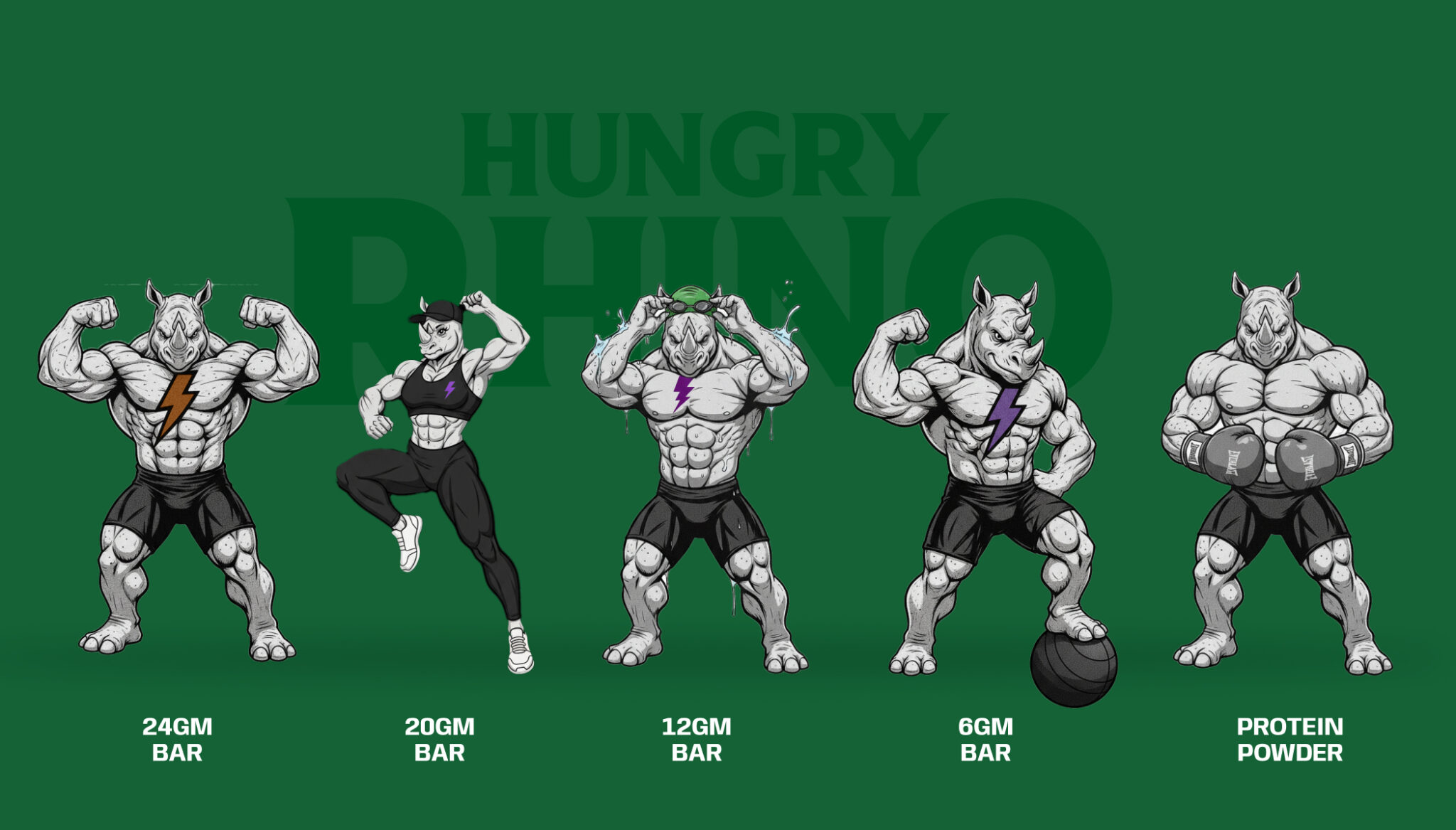
Explore the UI/UX design process behind the Kind Energy.
Typography & Font Resources
Typography influences readability more than almost any other visual element.
Choosing the right typeface can dramatically improve the user experience.
Google Fonts
The largest collection of free web fonts.
Popular choices include:
- Inter
- Poppins
- Roboto
- Manrope
- Nunito
Fontshare
A growing library of professionally designed fonts available for commercial use.
Excellent for branding projects.
Fontpair
Finding complementary fonts can be challenging.
Fontpair simplifies this by recommending combinations that work well together.
Type Scale
Helps designers build consistent typography hierarchies using mathematical scales.
Useful for:
- Headlines
- Body text
- Captions
- Responsive typography
Fonts in Use
A visual archive showing how brands use typography in real-world products.
Excellent for learning practical font application rather than simply collecting typefaces.
Icon Libraries & Illustrations
Icons and illustrations make interfaces easier to understand while reinforcing brand personality.
Consistency is key.
Choose one icon style and use it throughout your product.
Lucide Icons
A clean, open-source icon set designed for modern applications.
Heroicons
Created by the Tailwind CSS team, Heroicons are widely used in dashboards, SaaS products, and admin interfaces.
Phosphor Icons
Offers multiple icon weights allowing greater flexibility across different interface styles.
Storyset
Customisable illustrations suitable for onboarding screens, marketing websites, and empty states.
unDraw
A massive collection of free illustrations that can be recoloured to match your brand palette.
Blush
Create personalised illustrations using artwork from professional illustrators.
Perfect for:
- Websites
- Mobile apps
- Presentations
- Product mockups

Explore the UI/UX Design process behind the Quint.
AI Tools Transforming UI/UX Design
Artificial Intelligence has become an indispensable assistant for designers. Rather than replacing creativity, AI streamlines repetitive tasks, accelerates ideation, and enables designers to focus on solving user problems.
From generating wireframes to writing UX copy, AI-powered tools are reshaping modern design workflows.
ChatGPT
ChatGPT helps designers with:
- UX writing and microcopy
- User personas
- User journey mapping
- Research summaries
- Brainstorming product ideas
- Design critiques
- Accessibility recommendations
It’s also useful for creating interview questions, usability testing scripts, and design documentation.
Galileo AI
Galileo AI transforms text prompts into high-fidelity UI designs.
Ideal for:
- Landing pages
- Dashboards
- Mobile interfaces
- SaaS products
- Design exploration
Instead of starting from a blank canvas, designers can quickly generate concepts and refine them.
Uizard
Uizard enables users to convert sketches into editable UI mockups.
Useful for:
- Rapid prototyping
- Startup MVPs
- Client workshops
- Product brainstorming
Its AI-powered features make interface creation accessible even for non-designers.
Relume AI
Relume simplifies website planning by generating:
- Sitemaps
- Wireframes
- Website copy
- Component suggestions
This is especially valuable for web designers working on marketing websites and SaaS products.
Canva AI
Although Canva is known for graphic design, its AI features help designers create:
- Social media assets
- Presentation decks
- Marketing visuals
- Quick UI concepts
It’s an excellent companion tool for product designers collaborating with marketing teams.
Essential Figma Plugins
Figma has become the industry standard for collaborative interface design. Its plugin ecosystem saves countless hours by automating repetitive tasks and extending functionality.
Some must-have plugins include:
Autoflow
Create user flows and process diagrams effortlessly by connecting screens with arrows.
Content Reel
Populate designs with realistic names, addresses, avatars, emails, and placeholder text.
Iconify
Access thousands of icons from multiple libraries without leaving Figma.
Unsplash
Insert high-quality stock images directly into your designs.
Stark
Test accessibility by checking contrast ratios, colour blindness simulations, and compliance with accessibility standards.
FigJam AI
Speed up brainstorming sessions with AI-assisted sticky notes, summaries, and idea generation.
Design Lint
Automatically detects inconsistencies in spacing, typography, colours, and components, helping maintain clean design systems.
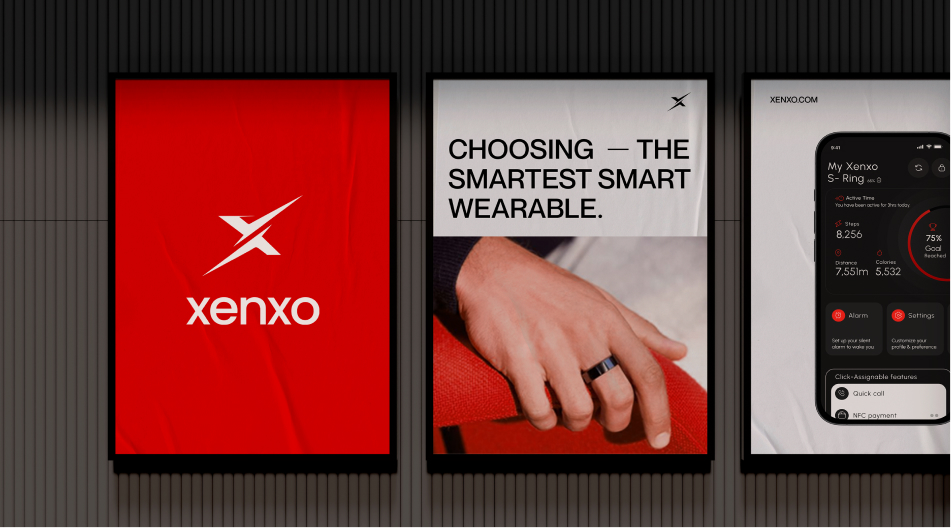
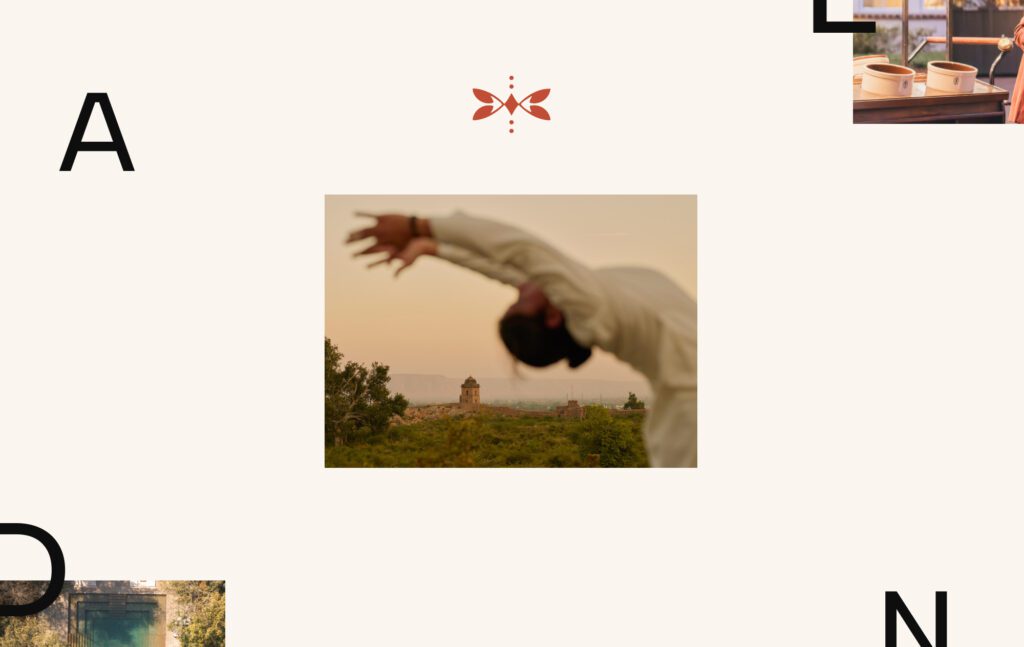
Explore the UI/UX design process behind the Xenxo.
Learning Platforms for Continuous Growth
The best designers are lifelong learners. Technology evolves rapidly, making continuous education essential.
Here are some of the best platforms for sharpening your skills.
Coursera
Offers university-backed courses covering:
- UX Research
- Interaction Design
- Human-Computer Interaction
- Product Design
Ideal for structured learning.
Interaction Design Foundation (IxDF)
One of the world’s largest UX learning communities.
Popular topics include:
- Design Thinking
- Accessibility
- Psychology
- Service Design
- Information Architecture
Udemy
Affordable courses on:
- Figma
- Adobe XD
- Framer
- UX Research
- Motion Design
Great for beginners and intermediate designers.
UX Collective
A publication featuring practical design articles, career advice, and industry insights from experienced professionals.
Growth.Design
A unique learning platform that explains UX concepts using engaging case studies and behavioural psychology.
It’s particularly useful for understanding why users make certain decisions.
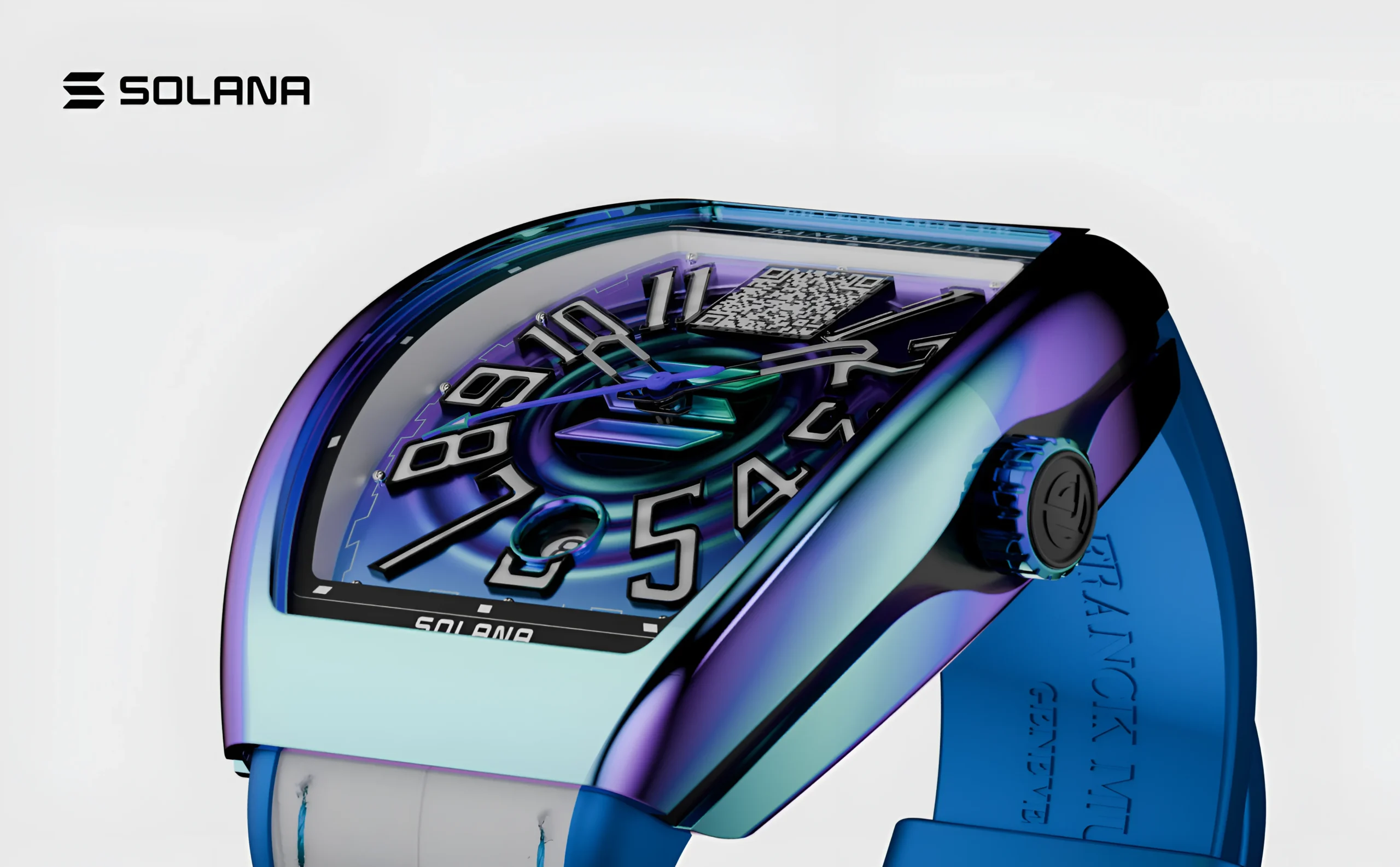
Explore the UX design process behind the Franckmuller.
Building a Portfolio That Gets You Hired
A portfolio is far more than a gallery of attractive screens. Hiring managers want to understand your thought process, problem-solving skills, and design decisions.
Include Complete Case Studies
Each project should explain:
- The business problem
- User research
- Pain points
- Design process
- Wireframes
- Iterations
- Final solution
- Measurable outcomes
Showing your journey is often more impactful than displaying polished visuals alone.
Demonstrate Collaboration
Highlight how you worked with:
- Developers
- Product managers
- Researchers
- Stakeholders
Employers value teamwork as much as technical expertise.
Focus on Quality
Three detailed case studies are usually more persuasive than a dozen incomplete projects.
Accessibility Resources Every Designer Should Use
Accessibility is no longer optional. Inclusive design ensures products can be used by people of all abilities.
Helpful accessibility resources include:
- Stark
- WebAIM Contrast Checker
- WAVE Accessibility Evaluation Tool
- Colour Contrast Analyzer
- Axe DevTools
When designing interfaces, remember to:
- Maintain sufficient colour contrast.
- Use readable typography.
- Design for keyboard navigation.
- Provide descriptive labels.
- Support screen readers.
- Avoid conveying information through colour alone.
Designing inclusively benefits every user, not just those with disabilities.
Join Design Communities
Great designers learn from other designers.
Engaging with communities exposes you to feedback, trends, and real-world challenges.
Some excellent communities include:
- Figma Community
- Design Buddies
- Dribbble
- Behance
- Reddit (r/userexperience and r/UI_Design)
- UX Stack Exchange
- Designer Hangout
Participating in discussions, sharing work, and giving constructive feedback accelerates professional growth.

Explore the UX design process behind the GroWealth.
Books and Newsletters Worth Following
UI/UX Books provide timeless design principles, while newsletters keep you informed about industry trends.
Recommended Books
- Don’t Make Me Think by Steve Krug
- The Design of Everyday Things by Don Norman
- Refactoring UI by Adam Wathan & Steve Schoger
- Sprint by Jake Knapp
- Hooked by Nir Eyal
Popular Newsletters
- UX Collective
- Sidebar
- Smashing Magazine
- Nielsen Norman Group
- Design Better
Reading consistently helps you stay informed about emerging tools, user behaviour, and best practices.
How to Build Your Own Designer Toolkit
Instead of bookmarking hundreds of websites, create an organised resource library.
A practical structure might include:
| Category | Examples |
|---|---|
| Inspiration | Mobbin, Awwwards, Land-book |
| Research | Maze, Hotjar, Baymard |
| Design Systems | Material Design, Apple HIG |
| Typography | Google Fonts, Fontshare |
| Icons | Heroicons, Lucide, Phosphor |
| Illustrations | Storyset, unDraw |
| Stock Photos | Unsplash, Pexels |
| AI Tools | ChatGPT, Galileo AI, Uizard |
| Learning | Coursera, IxDF, UX Collective |
| Accessibility | Stark, WebAIM, Axe |
| Communities | Figma Community, Design Buddies |
Review your toolkit regularly and remove outdated resources. A curated library is far more valuable than an endless list of bookmarks.
Final Thoughts
Great UI/UX design isn’t about using every tool available, it’s about choosing the right resources to solve real user problems. By building a strong foundation, staying curious, and continuously learning, you can create intuitive, accessible, and impactful digital experiences. Use this guide as your go-to resource library to streamline your workflow, stay inspired, and grow as a designer in an ever-evolving industry.
For more UI/UX resources, expert insights, and design inspiration, explore the latest articles on Wings Design Insights.

Thanseem
Junior UI/UX Designer