

What Is Website Design?
Website design is the process of planning, creating, and maintaining a website’s visual appearance, structure, and functionality. It combines creativity with technology to produce digital experiences that are visually appealing, easy to navigate, and aligned with business objectives.
Modern website design extends beyond choosing colors, fonts, and layouts. It encompasses every aspect of how users interact with a website, from the moment they land on the homepage to completing a purchase, submitting a contact form, or finding essential information.
A well-designed website typically includes several key components:
- Visual Design: Color palettes, typography, imagery, icons, and branding elements that create a consistent identity.
- User Interface (UI): Buttons, menus, forms, cards, and interactive elements that enable users to interact with the website.
- User Experience (UX): The overall journey users experience while navigating the website, including ease of use, efficiency, and satisfaction.
- Responsive Design: Ensuring the website functions seamlessly across desktops, tablets, and smartphones.
- Performance Optimization: Fast loading times, optimized media, and efficient coding practices that improve usability and search engine rankings.
- Accessibility: Designing for users of all abilities by following accessibility standards and inclusive design principles.
Successful website design balances aesthetics with functionality. A visually stunning website that is difficult to navigate can frustrate visitors, while a simple, intuitive website often generates better engagement, higher conversion rates, and stronger customer loyalty.
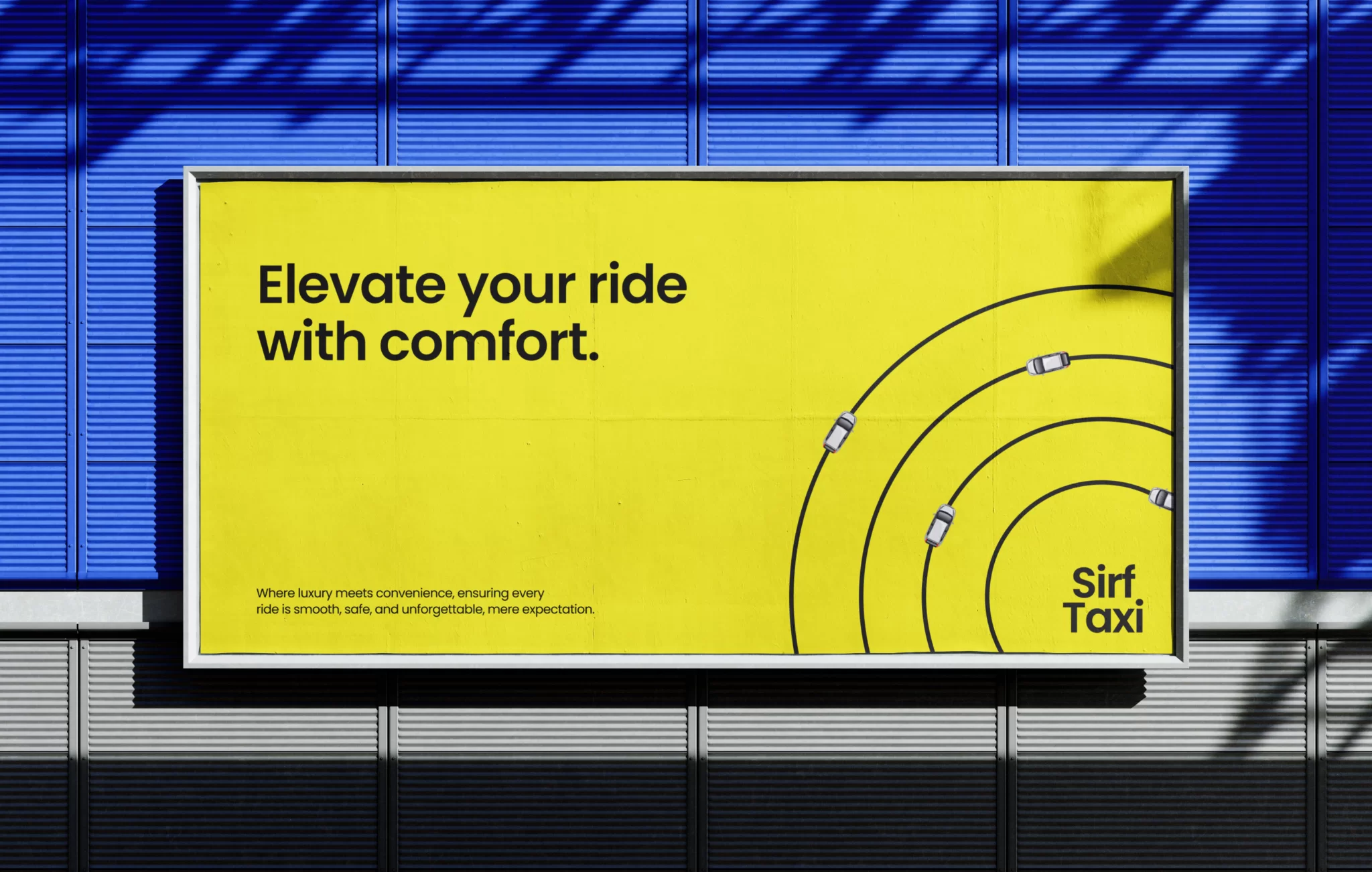
Explore the UX design process behind the Sirf Taxi.
Understanding User Experience (UX)
User Experience (UX) refers to the overall impression users have while interacting with a website. It encompasses every click, scroll, animation, form submission, and navigation decision that shapes how people perceive your brand online.
Good UX is about making digital interactions effortless. Users should be able to find information quickly, understand where to go next, and complete tasks without confusion or unnecessary friction.
Several principles define an excellent user experience:
- Clarity: Information is organized logically, making it easy to understand and navigate.
- Consistency: Design patterns, buttons, typography, and navigation remain uniform throughout the website.
- Efficiency: Users can accomplish their goals with minimal effort and few unnecessary steps.
- Accessibility: The website is usable by people with different abilities and devices.
- Feedback: Visual cues and animations confirm that actions, such as clicking a button or submitting a form, have been successfully completed.
When these principles work together, users feel confident navigating the website. This confidence translates into longer session durations, lower bounce rates, and increased conversions.
Why UX Matters More Than Ever in 2026
The digital landscape has become increasingly competitive, making user experience one of the most important differentiators for businesses. Consumers now compare every website they visit with the best digital experiences they’ve encountered. If a website is slow, confusing, or difficult to use, they can leave within seconds and choose a competitor instead.
A strong UX delivers benefits that extend beyond user satisfaction:
- inwIt increases visitor engagement by making content easier to discover.
- It improves conversion rates by simplifying key actions such as purchases, bookings, or inquiries.
- It strengthens brand credibility through professional, intuitive design.
- It supports search engine optimization (SEO), as factors like mobile responsiveness, page speed, and user engagement influence search rankings.
- It encourages customer loyalty by creating positive experiences that inspire repeat visits and recommendations.
In 2026, successful websites are those that combine clean layouts, responsive performance, accessibility, and meaningful interactions. Rather than overwhelming users with flashy effects, they prioritize intuitive navigation and purposeful design choices that solve real user problems.
The next step in achieving this level of usability is understanding how purposeful animation can enhance the user journey. When applied thoughtfully, motion transforms static interfaces into engaging experiences that guide users naturally, improve clarity, and create memorable digital interactions without compromising performance.
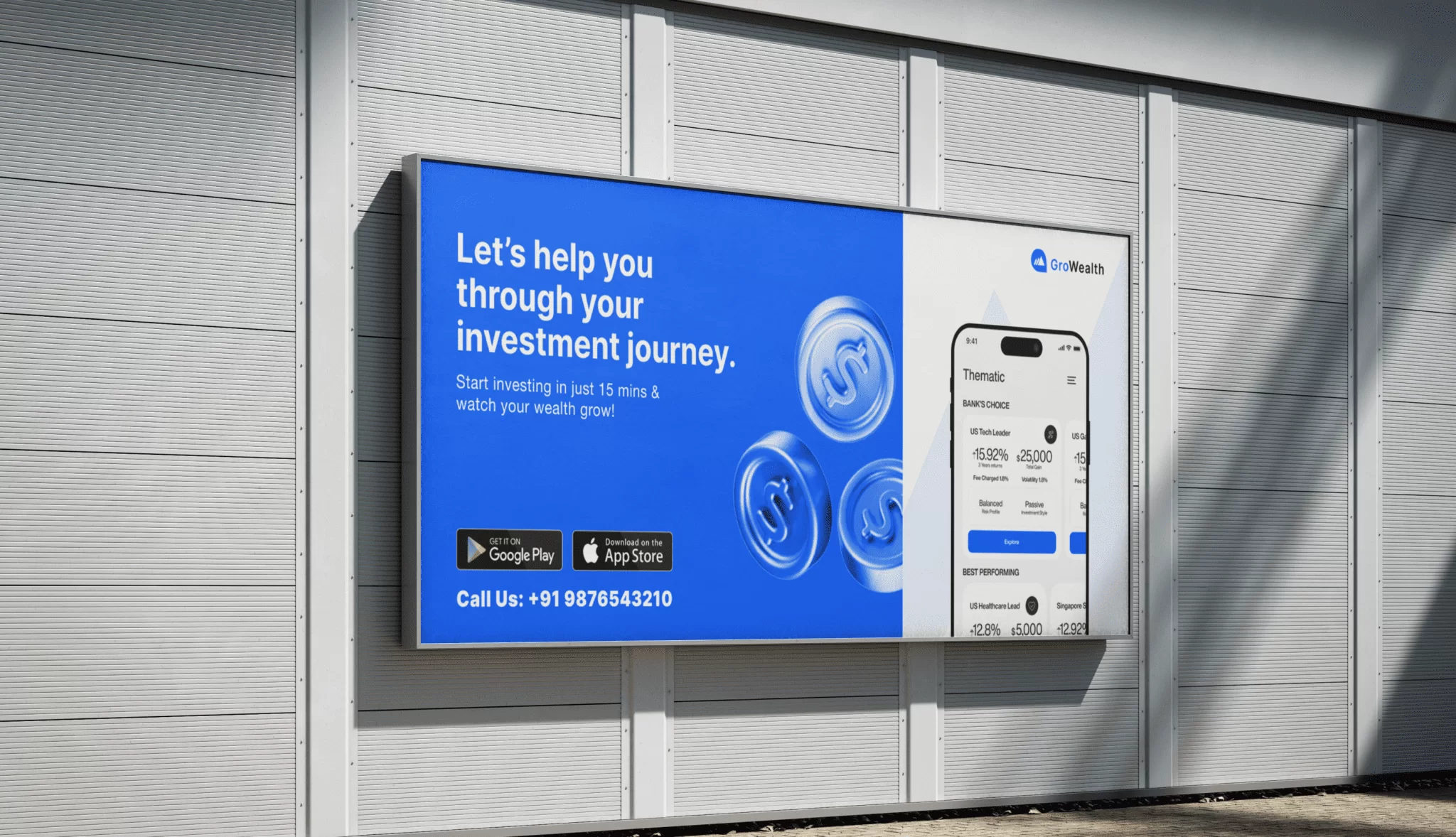
Explore the UX design process behind the GroWealth.
What Is Purposeful Animation?
Animation has become an integral part of modern web design, but not all animations serve the same purpose. In the past, websites often relied on flashy effects simply to impress visitors. While these animations looked visually appealing, they frequently distracted users, slowed down websites, and created unnecessary friction.
Purposeful animation takes a different approach. Every movement, transition, and interaction is designed to solve a specific usability problem or improve the user experience. Instead of decorating the interface, animations help users understand what’s happening, where to focus their attention, and what actions they can take next.
Decorative Animation vs. Purposeful Animation
Understanding the difference between decorative and functional animation is essential when designing modern websites.
Decorative Animation
Decorative animations are primarily used to enhance visual appeal. While they can strengthen branding when applied sparingly, excessive decorative motion often distracts users from their primary goals.
Common examples include:
- Large animated backgrounds
- Constantly moving graphics
- Excessive parallax scrolling
- Auto-playing visual effects
- Unnecessary text animations
When overused, these effects can increase loading times, overwhelm visitors, and negatively impact accessibility.
Purposeful Animation
Purposeful animations are carefully designed to improve usability. Every animation has a clear objective, whether it’s guiding navigation, providing feedback, explaining relationships, or reducing uncertainty during user interactions.
Examples include:
- Hover effects that indicate clickable elements
- Smooth form validation messages
- Animated progress indicators
- Menu expansion transitions
- Confirmation animations after successful actions
- Scroll cues that encourage exploration
The goal is not to entertain users but to make their journey smoother and more intuitive.
Types of Website Animations That Improve UX
Modern websites use various animation techniques to enhance user engagement without compromising performance. Here are the most effective types of purposeful animation.
01. Microinteractions
Microinteractions are subtle animations triggered by user actions. Although small, they significantly improve usability by providing immediate visual feedback.
Examples include:
- Like buttons changing color
- Toggle switches sliding smoothly
- Icons responding to clicks
- Notification badges appearing dynamically
These interactions reassure users that the website has acknowledged their actions.
02. Hover Animations
Hover effects help users identify interactive elements before clicking.
Common examples include:
- Buttons changing color
- Images slightly zooming in
- Product cards lifting with shadows
- Navigation links underlining smoothly
These simple effects improve discoverability and encourage interaction without distracting users.
03. Scroll Animations
Scroll-based animations reveal content as users move down the page. Instead of overwhelming visitors with too much information at once, content appears progressively, creating a more engaging reading experience.
Popular implementations include:
- Fade-in sections
- Slide-up content blocks
- Animated statistics
- Timeline reveals
- Sticky navigation effects
When used thoughtfully, scroll animations improve storytelling while maintaining a natural reading flow.
04. Loading Animations
Waiting without feedback can frustrate users. Loading animations reassure visitors that the system is actively processing their request.
Examples include:
- Skeleton screens
- Progress bars
- Animated spinners
- Content placeholders
Research consistently shows that perceived performance improves when users receive visual feedback during loading.
05. Page Transition Animations
Instant page changes can feel abrupt, especially on content-rich websites. Smooth transitions help maintain continuity as users navigate between pages.
These transitions may include:
- Soft fades
- Sliding panels
- Shared element transitions
- Progressive content loading
The result is a more polished and cohesive browsing experience.
06. Form and Input Animations
Forms are often the final step before conversion, making usability especially important.
Animations can improve form interactions by:
- Highlighting active fields
- Displaying real-time validation
- Showing password strength indicators
- Confirming successful submissions
- Guiding users to incomplete fields
These subtle cues reduce errors and make completing forms less intimidating.
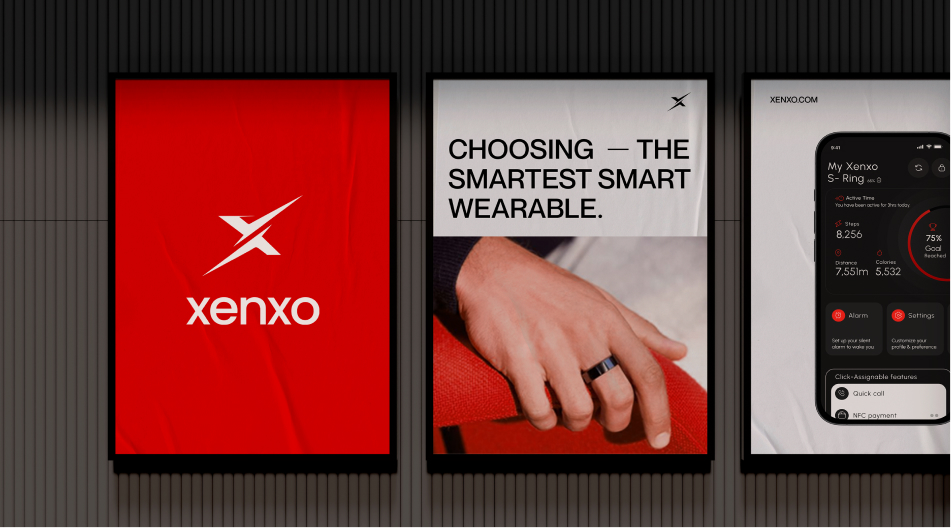
Explore the UX design process behind the Xenxo.
The Psychology Behind Motion Design
Human brains are naturally drawn to movement. For thousands of years, motion has helped people identify opportunities, detect threats, and respond quickly to changes in their environment. This instinct continues to influence how users interact with digital interfaces.
Purposeful animation leverages this psychological tendency in several ways.
Directing Attention
Motion naturally attracts the eye. Designers can use subtle animations to highlight calls-to-action, important announcements, or new content without relying solely on bold colors or oversized elements.
Reducing Cognitive Load
Smooth transitions help users understand relationships between different interface elements. Instead of feeling like information suddenly disappears or appears, users can follow the flow of content more easily, reducing mental effort.
Building Confidence
Animations provide reassurance that actions have been successfully completed. Whether it’s a button responding to a click or a confirmation message appearing after a form submission, these visual cues reduce uncertainty and make interfaces feel more reliable.
Creating Emotional Engagement
Motion also adds personality to a website. Gentle transitions, natural easing, and carefully timed interactions create a sense of craftsmanship and professionalism. These small details shape how users perceive a brand, making digital experiences feel more memorable and enjoyable.
However, successful motion design is about balance. Excessive animation can overwhelm users, while subtle, intentional movement enhances usability without drawing unnecessary attention to itself.
UX Best Practices for Purposeful Website Animation
Creating engaging animations is only half the challenge. The real goal is to ensure every animation enhances the user experience rather than becoming a distraction. Well-executed motion design should feel almost invisible, it guides users naturally without demanding unnecessary attention.
Below are the best practices that help designers and developers create meaningful, user-friendly animations.
01. Start with User Goals
Before adding any animation, ask a simple question:
“What problem does this animation solve?”
If the animation doesn’t improve navigation, provide feedback, explain a process, or direct user attention, it may not be necessary. Every motion should support a user’s journey rather than exist solely for visual appeal.
For example:
- Highlight a primary call-to-action button.
- Confirm a successful form submission.
- Show progress during file uploads.
- Reveal content as users naturally scroll.
Purpose-driven motion creates a smoother and more intuitive experience.
02. Keep Animations Fast and Natural
Timing plays a significant role in user satisfaction. Slow animations can make websites feel sluggish, while extremely fast transitions may go unnoticed.
A good animation should:
- Feel responsive.
- Complete quickly.
- Match the user’s expectations.
- Maintain a consistent rhythm across the website.
Using natural easing curves instead of abrupt linear movements creates interactions that feel more realistic and polished.
03. Maintain Consistency
Consistency builds familiarity.
If buttons animate one way on the homepage, they should behave similarly across the rest of the website. Navigation menus, cards, icons, and interactive elements should follow the same motion principles.
Consistent animation patterns help users learn the interface faster and reduce cognitive effort.
04. Design for Mobile First
With mobile devices accounting for the majority of web traffic, animations must perform well on smaller screens and touch interfaces.
Consider the following:
- Avoid animations that rely only on hover effects.
- Ensure touch interactions remain smooth.
- Optimize animations for different screen sizes.
- Test performance on both Android and iOS devices.
Responsive motion design ensures a seamless experience regardless of device.
05. Balance Creativity with Simplicity
Animation should complement content, not compete with it.
Too many moving elements can overwhelm users and make important information difficult to find. Instead, use motion selectively to emphasize actions, guide attention, and improve usability.
Minimal, intentional animations often create a more professional impression than overly complex visual effects.
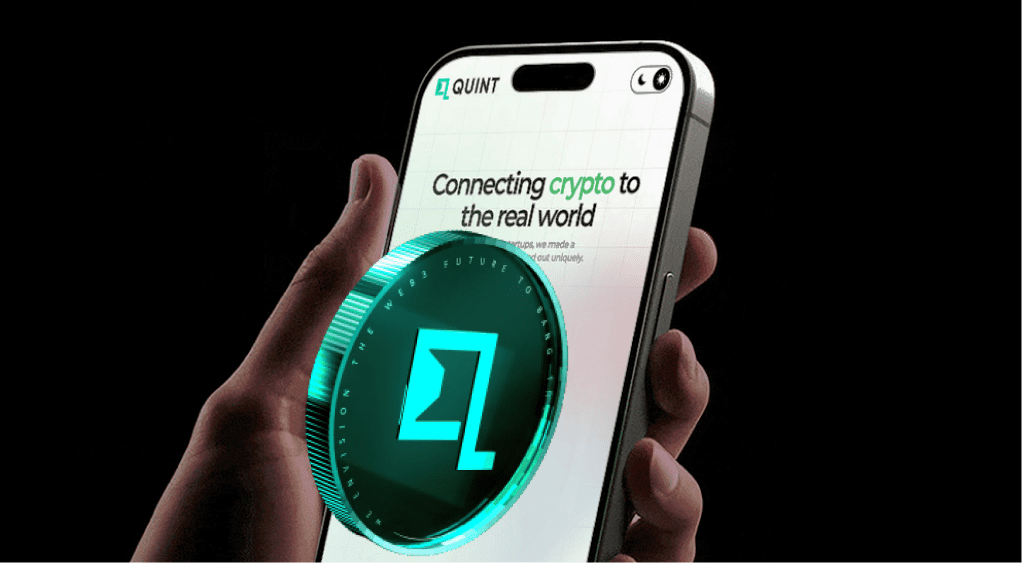
Explore the Design process behind the Quint.
Performance and Accessibility: Building Inclusive Experiences
Beautiful animations lose their value if they slow down a website or exclude certain users. Performance and accessibility should always be part of the design process.
Optimizing Website Performance
Heavy animations can increase loading times, consume device resources, and negatively affect search engine rankings.
To keep websites fast:
- Use lightweight CSS animations whenever possible.
- Compress images, videos, and animation assets.
- Optimize SVG graphics for scalable motion.
- Load animation libraries only when needed.
- Minimize unnecessary JavaScript execution.
Fast websites improve user satisfaction while supporting better SEO and Core Web Vitals performance.
Respect Accessibility Preferences
Not every visitor experiences motion in the same way. Some users are sensitive to excessive animation or rely on assistive technologies to browse the web.
Designers should:
- Respect operating system preferences for reduced motion.
- Avoid flashing or rapidly blinking effects.
- Ensure animations never block navigation.
- Maintain keyboard accessibility.
- Preserve sufficient color contrast and readable typography.
Inclusive design creates experiences that are usable by a broader audience while demonstrating a commitment to accessibility.
Common Website Animation Mistakes
Even well-intentioned animations can harm the user experience if they’re implemented poorly. Avoid these common pitfalls:
Overusing Animation
When every element moves, nothing stands out. Excessive motion distracts users from important content and reduces overall usability.
Slow Page Transitions
Transitions that delay navigation frustrate visitors. Users expect websites to respond instantly.
Ignoring Mobile Performance
Animations that run smoothly on desktop may become choppy on mobile devices if not properly optimized.
Animating Everything at Once
Revealing multiple elements simultaneously can overwhelm users. Introduce motion gradually to maintain focus and improve readability.
Forgetting Accessibility
Ignoring users who prefer reduced motion or rely on assistive technologies creates unnecessary barriers and limits your website’s reach.
Website Design Trends for 2026
Website design continues to evolve as technology advances and user expectations grow. While trends come and go, the strongest ones focus on improving usability rather than adding unnecessary complexity.
Some of the most influential trends shaping websites in 2026 include:
AI-Powered Personalization
Artificial intelligence enables websites to adapt content, product recommendations, and user journeys based on visitor behavior, creating more relevant and engaging experiences.
Meaningful Microinteractions
Small animations that provide feedback, such as button states, notifications, and interactive icons, continue to play a vital role in improving usability without overwhelming users.
Immersive Storytelling
Brands are increasingly using scroll-based animations, interactive timelines, and visual narratives to guide users through products, services, and company stories in a more engaging way.
Lightweight Motion Design
Instead of relying on large animation libraries, designers are prioritizing fast, optimized animations that maintain website speed while enhancing user interactions.
Accessibility-First Design
Inclusive design is no longer optional. Modern websites are being built with accessibility in mind from the start, ensuring content and interactions are usable for people of all abilities.
Sustainable Web Design
Businesses are paying greater attention to efficient coding practices, optimized assets, and energy-conscious design choices that improve both performance and environmental impact.
As these trends continue to shape the digital landscape, one principle remains constant: successful websites prioritize user needs. Purposeful animation, combined with thoughtful UX design, creates experiences that are visually engaging, accessible, and performance-driven, helping businesses stand out in an increasingly competitive online environment.

Explore the UX design process behind the Maverick AI.
Measuring the Success of Your Website Design
Creating a visually appealing website is only the beginning. To determine whether your design and animations are truly improving the user experience, you need to measure their impact using meaningful performance metrics.
Rather than relying on assumptions, businesses should continuously analyze user behavior and refine their websites based on real data.
Some of the most valuable metrics include:
Conversion Rate
The ultimate goal of most websites is to encourage users to take action, whether that’s making a purchase, booking a consultation, subscribing to a newsletter, or filling out a contact form. If your conversion rate improves after implementing better UX and purposeful animations, it’s a strong indication that your design changes are working.
Bounce Rate
A high bounce rate often suggests that visitors aren’t finding what they need or that the website isn’t engaging enough. Improved navigation, faster loading times, and meaningful interactions can encourage users to stay longer and explore additional pages.
Average Session Duration
The amount of time users spend on your website provides valuable insight into engagement. Longer sessions often indicate that visitors find your content useful and that your design encourages exploration.
User Interaction Metrics
Analyze how visitors interact with key elements, including:
- Button clicks
- Scroll depth
- Navigation paths
- Form completion rates
- Video engagement
- Call-to-action performance
These insights reveal where users succeed, where they struggle, and where further improvements can be made.
Core Web Vitals
Google’s Core Web Vitals measure loading speed, responsiveness, and visual stability. Optimized animations should enhance the user experience without negatively affecting these performance indicators, as they play an important role in both user satisfaction and search engine rankings.
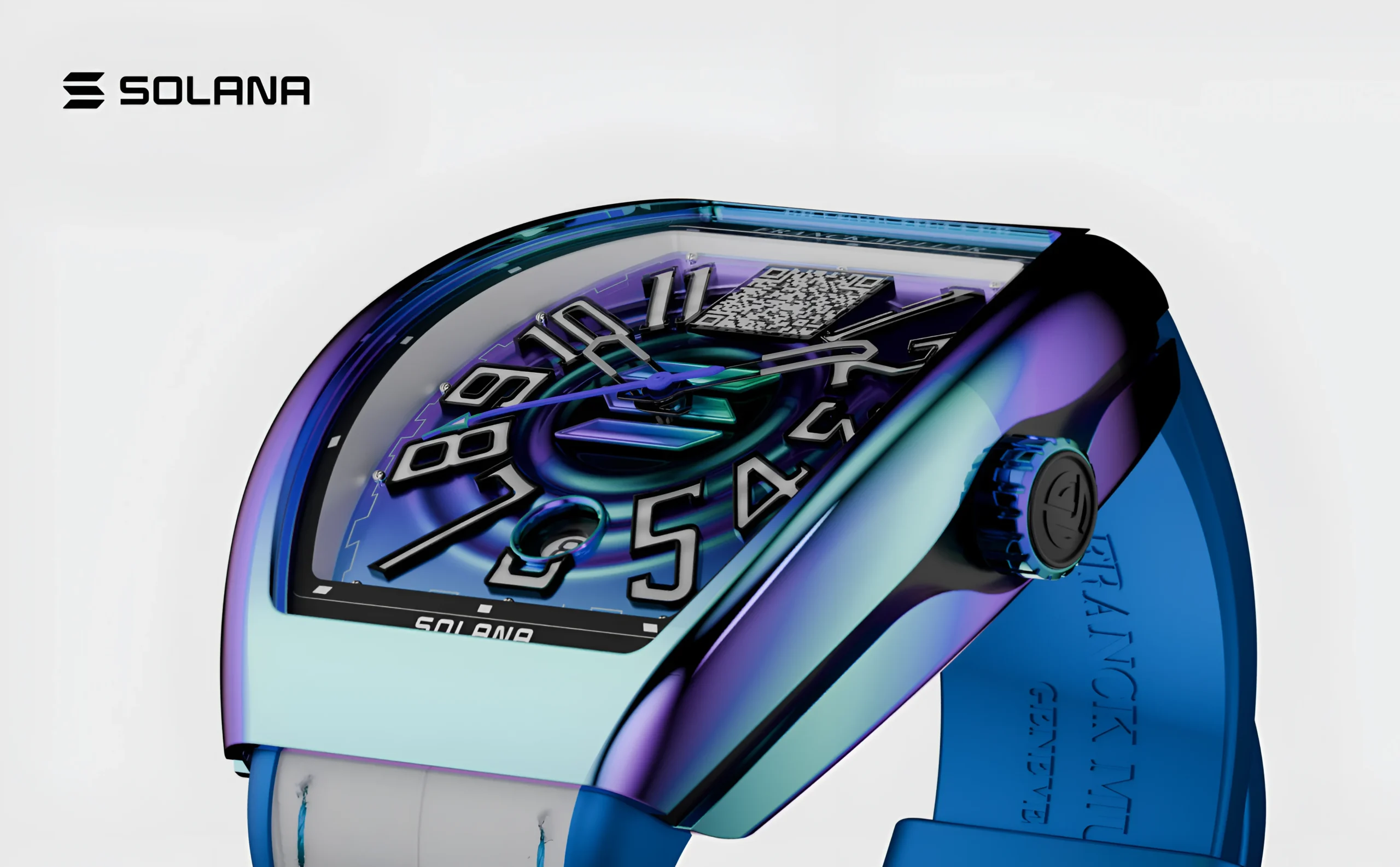
Explore the UX design process behind the Franckmuller.
Website Design & Animation Checklist
Before launching or redesigning your website, use this checklist to ensure you’re creating a high-quality user experience.
User Experience
✔ Clear navigation structure
✔ Mobile-responsive design
✔ Logical content hierarchy
✔ Consistent branding
✔ Simple user journeys
✔ Easy-to-read typography
Purposeful Animation
✔ Every animation serves a purpose
✔ Smooth page transitions
✔ Interactive hover states
✔ Clear visual feedback
✔ Appropriate animation timing
✔ Consistent motion patterns
Performance
✔ Fast page loading
✔ Optimized images and videos
✔ Lightweight animation assets
✔ Efficient code
✔ Optimized Core Web Vitals
Accessibility
✔ Supports reduced-motion preferences
✔ Keyboard-friendly navigation
✔ Sufficient color contrast
✔ Screen-reader compatibility
✔ No flashing or distracting effects
Reviewing this checklist before launch helps ensure your website is engaging, accessible, and optimized for both users and search engines.

Explore the UX design process behind the Kind Energy.
Conclusion
Exceptional website design in 2026 goes beyond aesthetics by combining functionality, performance, and accessibility to create seamless user experiences. Purposeful animation enhances usability by guiding users, providing feedback, and reinforcing brand identity without compromising speed or accessibility. By focusing on user-centered design and meaningful motion, businesses can improve engagement, build trust, and drive better results.

Design Lead
Design Lead