

A website can look exceptional in Figma and still fall short when it goes live. Layouts may lose their precision, animations may feel disconnected, and the experience that worked beautifully in a design prototype may not translate seamlessly across devices. The challenge is not simply moving a design from one platform to another. It is preserving the intent behind the design while turning it into a functional website that serves real users and business goals.
This is where the Figma to Webflow workflow becomes valuable. Figma gives design teams the flexibility to shape visual identities, user journeys, and interface systems. Webflow brings those ideas to life through responsive layouts, structured content, interactions, and a visual development environment. When both platforms are used strategically, businesses can move from concept to launch without treating design and development as disconnected stages.
What Is Figma to Webflow?
Figma to Webflow is the process of translating a website design created in Figma into a functioning website built in Webflow. It connects interface design with front-end implementation, allowing teams to carry visual decisions into a live digital experience.
However, the process involves more than copying layouts or importing design elements. Typography, spacing, responsive behaviour, component structures, interactions, and content hierarchy all need to be considered during development. Some elements can be transferred or recreated with tools and integrations, while others require manual refinement to work properly within Webflow.
The objective is to build a website that stays true to the original design while functioning reliably in real-world conditions. That means considering how users navigate the site, how content changes over time, how pages behave on smaller screens, and how the website supports search visibility and conversions.
Why Businesses Choose the Figma to Webflow Workflow
Combining Figma and Webflow gives businesses a more connected route from design to launch. Its value becomes especially clear when visual quality, flexibility, and long-term website management matter.
1. Preserve the Original Design Intent
A carefully designed interface relies on more than colours and images. The relationship between typography, whitespace, hierarchy, and movement determines how a brand is experienced. A structured Figma-to-Webflow process helps maintain these relationships during development rather than approximating them at the final stage.
The result is a website that feels consistent with the approved design and communicates the brand with greater clarity. Attention to detail during implementation also helps reduce unnecessary revisions and visual inconsistencies across pages.
2. Build Responsive Experiences from the Start
A desktop design is only one view of a website. Navigation, content blocks, image treatments, and calls to action often need to adapt significantly on mobile devices.
Webflow allows developers to configure responsive behaviour across different screen sizes. Instead of shrinking desktop layouts to fit smaller screens, the implementation can account for how users interact with the website on mobile, tablet, and desktop. This creates a more consistent experience across devices and helps keep important content accessible.
3. Reduce Delays Between Design and Launch
Traditional development workflows can create a long queue for routine content changes. Webflow’s visual development environment, CMS, and editing capabilities can give marketing teams more control over supported updates without requiring developer involvement every time.
This is particularly useful for businesses that regularly publish insights, update service pages, launch campaigns, or maintain growing project portfolios. A well-structured build gives teams flexibility without sacrificing design consistency, helping them respond to changing business needs more efficiently.
4. Create a Website That Can Scale
A successful website should accommodate more than its initial launch. New service pages, landing pages, case studies, and content categories may become necessary as the business grows.
Building reusable components and a sensible CMS structure in Webflow makes future expansion more manageable. It also reduces the need to recreate the same layouts for every new page, helping maintain a coherent experience across the website as content and business priorities evolve.
The Figma to Webflow Process: From Design to Launch
A reliable workflow starts with understanding the design, not with rushing to reproduce it. Each stage should solve a specific problem before the next one begins.
Step 1: Prepare the Figma Design for Development
Before development starts, the design file needs to be organised and reviewed. This includes checking typography styles, colour systems, spacing rules, reusable components, image assets, and page variations.
Responsive states should also be considered. If mobile layouts, navigation behaviour, or interaction states are missing, these decisions need to be resolved before implementation. A clean handoff reduces ambiguity and helps prevent avoidable rework during development.
Step 2: Translate the Design into Webflow
Figma and Webflow approach layouts differently. Figma is built around visual design and prototyping, while Webflow creates a functioning website through elements, containers, layout systems, classes, and responsive styling.
During this stage, the design is translated into a practical structure using appropriate HTML elements and Webflow’s layout tools. Flexbox, CSS Grid, reusable classes, and components can help reproduce the design while keeping the underlying build organised.
The goal is not merely to match a screenshot. It is to create a maintainable structure that behaves correctly as content and screen dimensions change.
Step 3: Recreate Interactions and Animations
Interactions can give a website character, but they need to serve a purpose. Navigation transitions, hover states, scroll effects, and subtle animations should reinforce the experience rather than distract from the content.
Some Figma prototypes demonstrate interactions that need to be rebuilt using Webflow’s native interaction tools or custom code. These behaviours should be tested for usability, responsiveness, and performance before launch. Thoughtful implementation ensures that movement feels intentional and supports the overall design.
Step 4: Build Responsive Pages and CMS Collections
Once the core structure is in place, each page needs to be adapted for different devices. Headlines, images, navigation, buttons, and content sections should remain readable and usable across screen sizes.
If the website includes frequently updated content, Webflow CMS collections can organise items such as blog posts, projects, team profiles, or resources. Thoughtful collection fields and reusable templates make it easier to maintain consistency as the site expands.
Step 5: Optimise for Search and Performance
A visually accurate website is not automatically search-friendly or fast. Development should account for semantic heading structures, descriptive page titles, meta descriptions, image alt text, internal linking, and clean URL structures.
Performance also depends on implementation choices. Oversized images, unnecessary scripts, excessive animations, and third-party integrations can affect loading speed and responsiveness. Image optimisation, careful script management, and testing with tools such as Google PageSpeed Insights help identify areas for improvement.
Search engine visibility should be considered throughout the build rather than treated as a final checklist. If an existing website is being migrated, its important URLs, metadata, content, and redirects also need to be handled carefully to reduce the risk of losing organic visibility.
Step 6: Test Before Launch
The final stage is quality assurance. Pages should be checked across major browsers and devices, with particular attention to navigation, forms, links, responsive layouts, interactions, and content accuracy.
Teams should also verify analytics and conversion tracking, review SEO settings, and confirm that important redirects work as intended. A structured pre-launch review helps catch issues that may not be visible in the original Figma design.
Can You Convert Figma to Webflow Automatically?
Several plugins, integrations, and conversion tools can help transfer parts of a Figma design into Webflow or generate an initial website structure. These can be useful for speeding up repetitive tasks and reducing some manual work.
However, automated conversion does not guarantee production-ready output. Generated layouts may need adjustments to their class structure, responsiveness, typography, spacing, accessibility, interactions, and CMS implementation. Complex designs can also require manual development to preserve the intended experience.
Automation is best treated as a starting point rather than a replacement for development expertise. The right approach depends on the complexity of the design, the quality of the source file, and the standards the finished website needs to meet. For businesses investing in a distinctive digital experience, careful refinement is what turns a basic conversion into a website ready for real users.
Common Figma to Webflow Mistakes to Avoid
A few decisions during implementation can create unnecessary work or compromise the final experience.
- Treating the Figma file as a pixel-perfect instruction sheet: Designs need to be interpreted for responsive behaviour and real content, not reproduced without considering how a website works.
- Using too many inconsistent classes: An unstructured class system makes future changes harder and can introduce styling conflicts across pages.
- Ignoring mobile layouts: Responsive behaviour should be planned and tested, not left until the end of development.
- Adding animations without a clear purpose: Excessive motion can distract users, affect performance, and make navigation less comfortable.
- Overlooking SEO during development: Poor heading hierarchy, missing metadata, broken links, and careless URL changes can undermine search performance.
- Launching without proper testing: A page that looks correct in one browser or viewport may still contain broken interactions, layout issues, or form errors elsewhere.
Avoiding these mistakes requires a workflow that considers design quality, technical structure, usability, and business objectives together.
Figma to Webflow in Practice: Explore Wings Design’s Webflow Work
The value of a design-to-development workflow becomes clearer when you see how different business requirements shape a live website. Ecommerce platforms need intuitive product discovery, business websites need to communicate value clearly, and real estate experiences need to present information in an accessible way. Each requires a considered balance of visual design, functionality, and usability.
Wings Design approaches digital experiences with these considerations in mind. The following projects showcase website design and development work across different business needs.
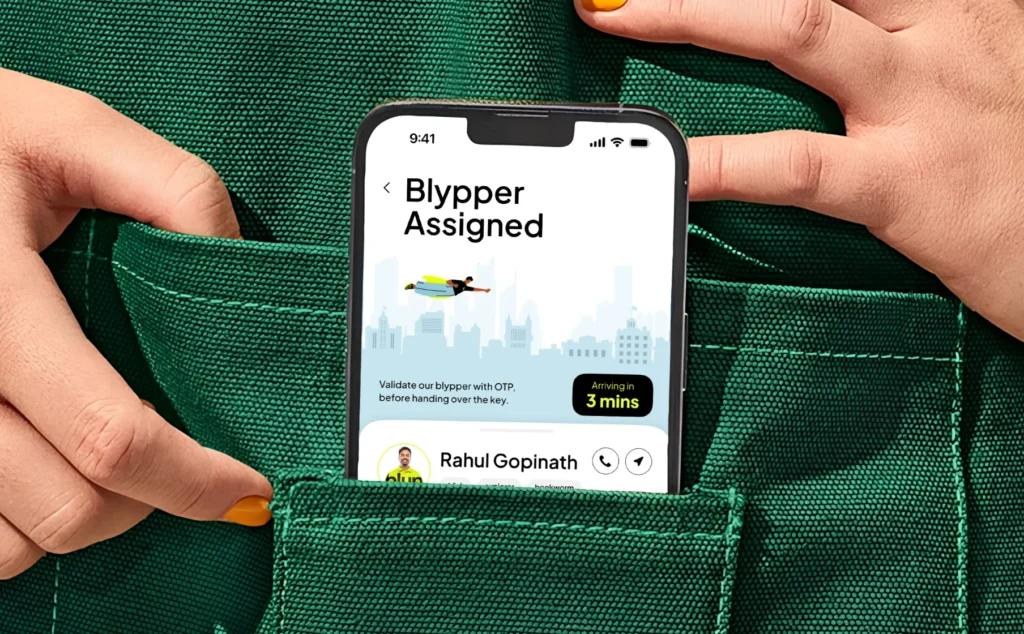
Pureforma: An Ecommerce Experience Built Around Products
An ecommerce website needs to do more than showcase products. It should make discovery intuitive, communicate product value, and guide customers towards a purchase without unnecessary friction.
Pureforma is an example from Wings Design’s ecommerce portfolio. The project provides an opportunity to explore how digital presentation and user experience contribute to a brand’s online storefront. For ecommerce businesses, these decisions matter because product discovery, navigation, and the overall shopping experience influence how customers engage with a website.

Explore Wings Design’s ecommerce web design for Pureforma.
DCC: A Focused Digital Experience for a Business
A business website needs to communicate its value quickly while giving visitors a clear path through its content. Its layout, messaging, and navigation should work together to help people understand the offering and decide what to do next.
DCC is part of Wings Design’s website development portfolio. It illustrates the relevance of a considered digital experience when presenting a business online, where visual direction and content organisation need to support the broader purpose of the website.
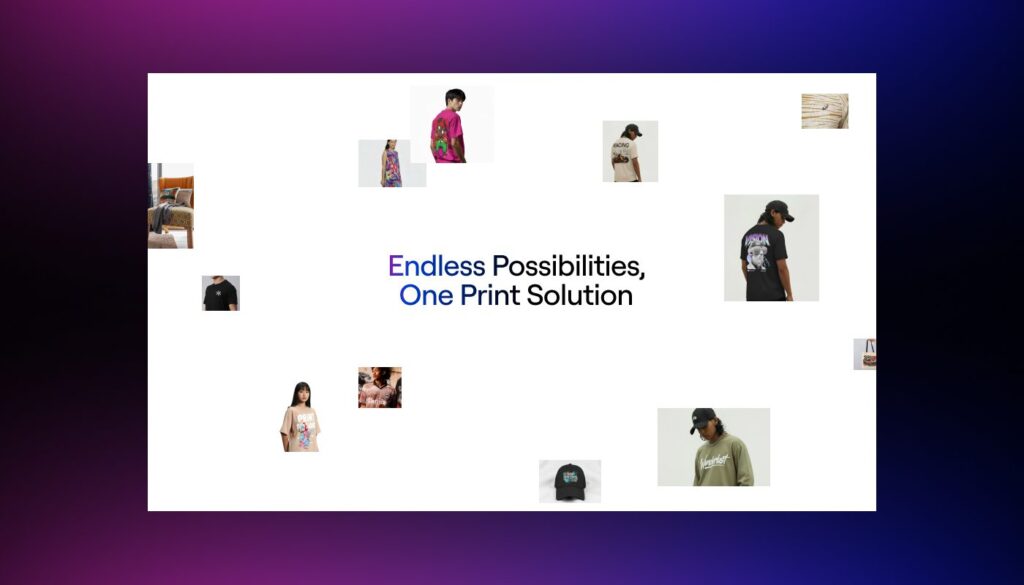
Explore Wings Design’s website development work for DCC.
Vedic City: Presenting a Larger Real Estate Vision Online
Real estate and destination-led websites need to balance visual appeal with the practical task of presenting information clearly. Visitors may need to understand a project’s proposition, explore its details, and navigate between different sections without losing context.
Vedic City is another example from Wings Design’s website development portfolio. Projects in this space highlight the importance of content hierarchy, navigation, and visual communication when presenting a larger proposition through a digital platform.
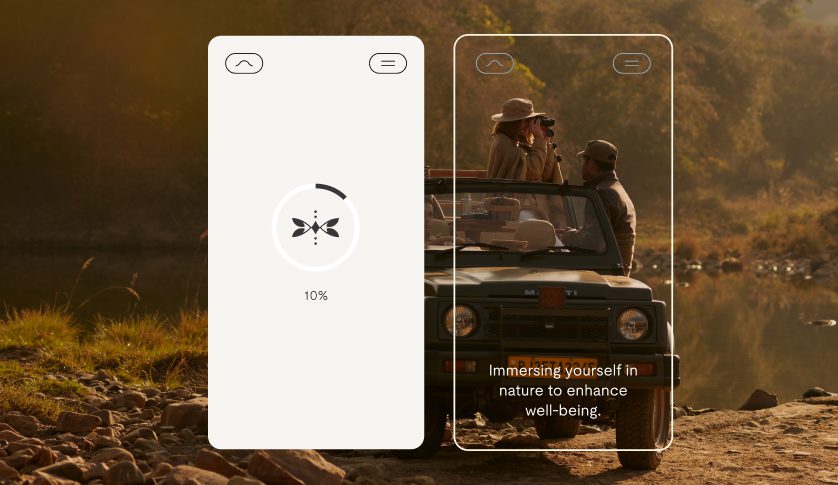
Explore Wings Design’s website development work for Vedic City.
These projects demonstrate how website design and development need to work together around the requirements of the business. While each project has its own objectives, the broader principle remains the same: the finished website must function as a complete experience, not simply as a collection of visually appealing pages.
What to Look for in a Webflow Development Company
Figma to Webflow projects often sit at the intersection of brand design, user experience, development, and search optimisation. Coordinating these disciplines helps prevent a common outcome: a website that looks polished but is difficult to maintain, slow to load, or disconnected from its business objectives.
When evaluating a Webflow development company, look beyond how closely it can reproduce a design. Consider whether the team understands responsive implementation, reusable components, CMS architecture, technical SEO, accessibility, performance, and conversion-focused user journeys.
It is also worth understanding how the website will be managed after launch. A scalable CMS, a consistent class structure, and practical editing conventions can reduce maintenance challenges as the business grows. The right development approach should account for both the launch experience and the work required to keep the website useful over time.
At Wings Design, our approach to Webflow development brings design thinking and technical execution together. We focus on creating considered digital experiences that reflect the brand, support business goals, and provide a strong foundation for future growth.
Explore our Webflow development services to learn more about our approach to designing and building websites.
Turn Your Figma Designs into a Website Built for Growth
The value of Figma to Webflow is not simply the speed at which a design becomes a website. It lies in how effectively the original idea translates into a responsive, usable, and scalable digital experience.
A successful build preserves what makes the design distinctive while addressing the practical demands of real users, evolving content, search visibility, and business performance. With the right planning and implementation, Figma and Webflow can form a strong foundation for websites that look considered and work hard behind the scenes.
Have a Figma design ready to bring to life? Wings Design can help you approach the next stage with a focus on design quality, technical execution, and long-term usability.
Explore Wings Design’s Webflow development services
Let’s Move //Forward.