


Building a Strong First Impression
Your restaurant website is often the first interaction potential customers have with your business. Before they browse your menu, call for reservations, or visit your location, they’ll likely search online to learn more about your restaurant. Within just a few seconds, they’ll decide whether your website feels inviting, trustworthy, and worth exploring.
A well-designed restaurant website does much more than showcase your menu. It builds credibility, highlights your unique dining experience, and encourages visitors to take action, whether that’s reserving a table, ordering online, or planning their next visit. On the other hand, a slow, outdated, or difficult-to-navigate website can drive customers straight to a competitor.
The good news is that creating an effective restaurant website doesn’t require an overly complex design. By focusing on your audience, visual appeal, mobile usability, and website performance, you can create a digital experience that turns visitors into paying customers.
In this first phase, we’ll cover the foundational elements that make your restaurant website attractive, user-friendly, and optimized for conversions.
Explore the website design process behind the Perceptyne
Understand Your Target Audience
Before choosing colors, layouts, or images, you need to understand who your website is designed for. Every restaurant serves a different audience, and your website should reflect their expectations.
Ask yourself questions such as:
- Are you targeting families looking for casual dining?
- Do you run a fine-dining restaurant for special occasions?
- Is your business focused on college students seeking affordable meals?
- Do you primarily serve tourists or local residents?
- Are you known for vegan, organic, or specialty cuisine?
Knowing your audience helps shape every aspect of your website, from the language you use to the images you display.
Match Your Website to Your Brand
Your website should immediately communicate your restaurant’s personality.
For example:
- A luxury steakhouse may use elegant typography, dark colors, and sophisticated imagery.
- A family-friendly restaurant benefits from bright colors, welcoming photos, and easy navigation.
- A trendy café may feature minimalist design, modern fonts, and lifestyle photography.
Consistency between your restaurant’s atmosphere and its online presence builds trust and creates realistic expectations before customers even arrive.
Prioritize Customer Needs
Visitors usually come to your website looking for quick answers. Make it easy for them to find:
- Menu
- Prices
- Reservation options
- Business hours
- Location
- Contact information
The faster users find what they’re looking for, the more likely they are to become customers.
Create a Visually Appealing Restaurant Website
People eat with their eyes first. High-quality visuals can inspire cravings and influence dining decisions long before customers see your dishes in person.
Invest in Professional Food Photography
Your homepage should feature vibrant, professionally captured images of your signature dishes. Avoid blurry, poorly lit, or outdated photos, as they can make even excellent food appear unappetizing.
Include images of:
- Best-selling dishes
- Fresh ingredients
- Desserts
- Drinks
- Dining area
- Outdoor seating
- Happy customers (with permission)
Authentic photography creates emotional connections and encourages visitors to imagine themselves dining at your restaurant.
Use Colors That Reflect Your Brand
Colors influence perception and appetite.
Popular restaurant color choices include:
- Red: Energy, excitement, appetite stimulation.
- Orange: Warmth and friendliness.
- Green: Freshness, healthy dining, sustainability.
- Black: Luxury and elegance.
- White: Cleanliness and simplicity.
Select two or three primary brand colors and use them consistently across your website for a polished, professional appearance.
Choose Easy-to-Read Fonts
While decorative fonts can enhance your brand identity, readability should always come first.
Use:
- One font for headings.
- One font for body text.
- Clear spacing between paragraphs.
- Large font sizes for mobile devices.
A clean typography hierarchy helps visitors scan your content quickly.
Keep the Layout Simple
A cluttered website overwhelms visitors. Instead, organize information using:
- Clear navigation menus
- Spacious layouts
- Logical sections
- Minimal distractions
Whitespace improves readability and directs attention toward important elements like your reservation button or featured menu items.
A professionally designed website doesn’t just look attractive, it also improves usability, mobile responsiveness, and search visibility. If you’re looking for expert help, check out these top-rated website design companies in Ahmedabad to find agencies with proven experience in creating high-performing business websites.

Explore the website design process behind the Vedic city
Optimize for Mobile Users
More than half of restaurant searches happen on smartphones. Whether someone is looking for a nearby café during lunch or booking a dinner reservation while commuting, they expect your website to work seamlessly on mobile devices.
A mobile-friendly website is no longer optional, it’s essential.
Use Responsive Design
Responsive design automatically adjusts your website layout to different screen sizes, ensuring a consistent experience across smartphones, tablets, and desktops.
Your content should remain readable without requiring users to zoom in or scroll horizontally.
Make Navigation Simple
Mobile users prefer quick, intuitive navigation.
Best practices include:
- A simple menu icon
- Large clickable buttons
- Sticky navigation for easy access
- Clearly visible reservation and contact buttons
Reducing unnecessary clicks helps visitors complete their desired action faster.
Optimize Touch Elements
Small buttons can frustrate users.
Ensure that:
- Buttons are easy to tap.
- Links are spaced apart.
- Forms require minimal typing.
- Phone numbers are clickable for instant calling.
These small improvements create a smoother browsing experience.
Test Across Devices
Your website should function properly on:
- iPhones
- Android phones
- Tablets
- Different web browsers
Regular testing helps identify layout issues before they affect customer experience.
Improve Website Speed
Website speed directly affects both customer satisfaction and search engine rankings. Studies consistently show that users abandon websites that take more than a few seconds to load. Every additional second of delay can reduce reservations and online orders.
Fortunately, improving speed doesn’t require sacrificing visual quality.
Optimize Images
Large image files are one of the most common causes of slow websites.
Compress images before uploading them while maintaining good visual quality. Modern image formats also help reduce loading times without compromising appearance.
Reduce Unnecessary Plugins
If your website runs on a content management system like WordPress, installing too many plugins can slow performance.
Keep only the plugins you genuinely need, and update them regularly to improve security and efficiency.
Enable Browser Caching
Browser caching stores certain website elements on visitors’ devices, allowing returning users to load pages much faster.
This creates a smoother experience and reduces server load.
Minimize Heavy Scripts
Animations, autoplay videos, and excessive pop-ups can negatively impact loading speed.
Use interactive elements strategically, ensuring they enhance the user experience rather than slowing it down.
Monitor Website Performance
Regularly test your website’s speed using performance analysis tools. These reports can identify issues such as oversized images, slow server response times, or render-blocking resources that need optimization.
A fast-loading website not only improves user satisfaction but also increases the likelihood that visitors will complete a reservation or place an order.
Make Online Reservations Effortless
For many diners, convenience is just as important as the quality of the food. If making a reservation requires multiple steps or a phone call during business hours, potential customers may abandon the process and book elsewhere.
Place the Reservation Button Where It’s Easy to Find
Your “Reserve a Table” button should be one of the most visible elements on your website. Display it prominently:
- In the website header
- On the homepage hero section
- At the top of the menu page
- In the navigation menu
- At the bottom of important pages
Using a contrasting color helps the button stand out and encourages users to click.
Integrate an Online Booking System
Instead of asking customers to call or email, integrate an online reservation system that allows them to:
- Choose a preferred date
- Select a time slot
- Specify the number of guests
- Mention special requests
- Receive instant confirmation
A simple booking experience reduces friction and improves conversion rates.
Keep the Booking Process Short
The fewer steps required, the better. Only request essential information such as:
- Name
- Phone number
- Email address
- Reservation details
Avoid lengthy forms that discourage users from completing their booking.
Send Confirmation and Reminder Messages
Automatic confirmation emails or SMS reminders help reduce no-shows while reassuring customers that their reservation has been successfully received. Adding options to modify or cancel reservations also improves the overall customer experience.

Explore the website design process behind the Blossom heights
Create an Easy-to-Browse Digital Menu
For many visitors, your menu is the deciding factor in whether they book a table. A well-organized digital menu not only showcases your offerings but also reflects the professionalism of your restaurant.
Organize Items into Clear Categories
Group dishes into logical sections such as:
- Appetizers
- Soups and Salads
- Main Courses
- Desserts
- Beverages
- Kids’ Menu
This structure makes it easy for customers to find exactly what they’re looking for.
Include Descriptions and Prices
Every menu item should include:
- A clear name
- A short, appealing description
- Current pricing
- Portion information, if relevant
Descriptive language helps customers imagine the flavors while reducing uncertainty before they visit.
Highlight Dietary Information
Modern diners often have specific dietary preferences or restrictions. Consider using simple icons or labels for:
- Vegetarian
- Vegan
- Gluten-free
- Dairy-free
- Spicy dishes
- Chef’s recommendations
Providing this information demonstrates that your restaurant values inclusivity and customer convenience.
Add High-Quality Food Images
While you don’t need photos for every menu item, showcasing your signature dishes can increase customer interest and influence ordering decisions. Use authentic, professionally captured images that accurately represent the food served.
Keep Your Menu Updated
Nothing frustrates customers more than arriving at a restaurant only to discover that menu items or prices have changed. Update your online menu regularly to reflect seasonal dishes, promotions, and current pricing.
Build Trust with Social Proof
Before trying a new restaurant, many customers look for reassurance from others. Positive reviews, testimonials, and recognitions provide valuable social proof that can influence purchasing decisions.
Showcase Customer Reviews
Display genuine testimonials from satisfied guests throughout your website. Highlight comments that mention:
- Excellent food quality
- Friendly service
- Comfortable atmosphere
- Fast service
- Memorable dining experiences
Authentic feedback helps new visitors feel more confident about choosing your restaurant.
Display Ratings from Popular Review Platforms
If your restaurant has strong ratings on popular review platforms, feature them on your homepage or reservation page. High ratings immediately communicate credibility and encourage visitors to explore further.
Highlight Awards and Recognition
If your restaurant has received any awards, certifications, or media coverage, dedicate a section to these achievements. Examples include:
- Local dining awards
- Best restaurant recognitions
- Sustainability certifications
- Press mentions
- Community awards
These accomplishments reinforce your reputation and differentiate your business from competitors.
Feature User-Generated Content
With permission, showcase photos shared by happy customers on social media. Real dining experiences often feel more authentic than staged promotional images and help potential guests visualize what to expect.

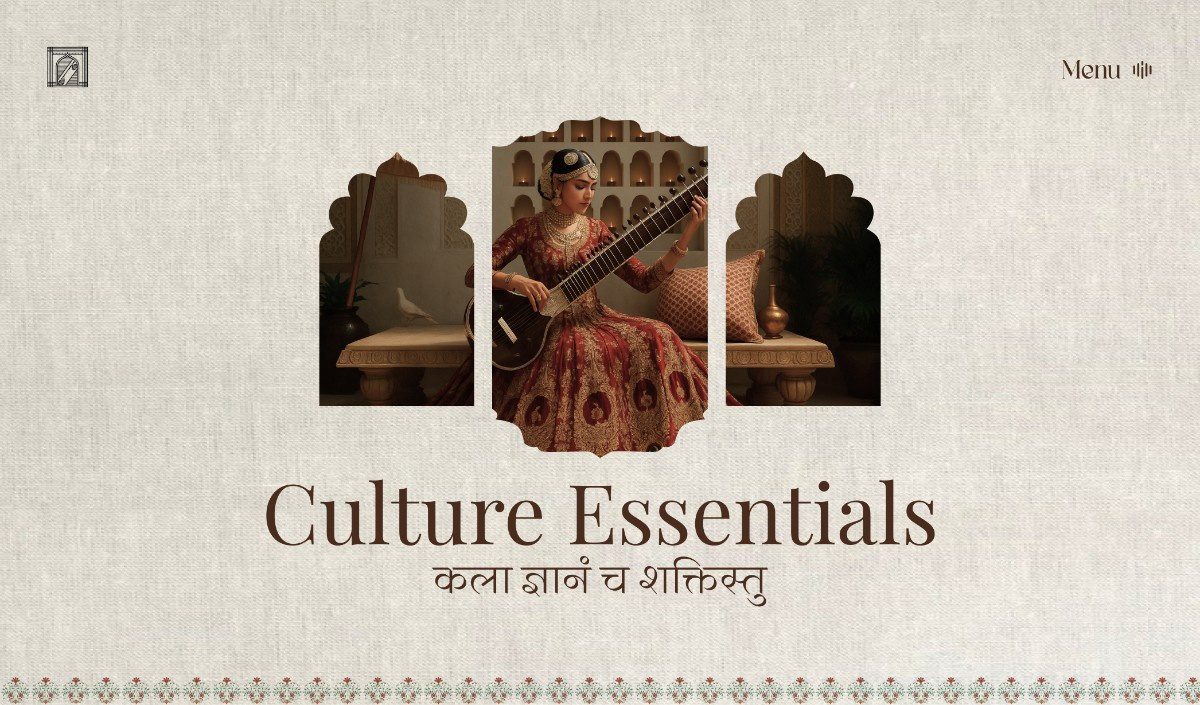
Explore the website design process behind the Krishna group
Highlight What Makes Your Restaurant Unique
Every restaurant has something special to offer. Your website should clearly communicate why customers should choose your establishment instead of another nearby option.
Share Your Story
People enjoy supporting businesses with authentic stories. Introduce your restaurant by sharing:
- How it was founded
- Your culinary inspiration
- Family traditions
- Commitment to quality
- Your mission and values
A compelling story creates an emotional connection with visitors.
Showcase Signature Dishes
Highlight the menu items that customers return for again and again. Include professional photos, engaging descriptions, and recommendations from your chef to make these dishes even more appealing.
Introduce Your Chef
Featuring your chef adds personality to your brand. Share their experience, culinary philosophy, or passion for creating memorable dining experiences.
Customers often appreciate learning about the people behind the food they enjoy.
Display Your Restaurant’s Atmosphere
Beyond food, diners choose restaurants based on ambiance. Include photos of:
- Indoor dining areas
- Outdoor seating
- Private dining rooms
- Bar areas
- Live music or entertainment
- Special event spaces
These visuals help customers determine whether your restaurant fits their occasion, whether it’s a family dinner, romantic date, or corporate gathering.
Use Strong Calls-to-Action (CTAs)
Every page on your website should encourage visitors to take a specific action. Without clear direction, users may leave without making a reservation or placing an order.
Use Action-Oriented Language
Replace generic buttons like “Submit” with more engaging alternatives such as:
- Reserve Your Table
- Book Now
- Order Online
- View Our Menu
- Plan Your Event
- Contact Our Team
Clear, benefit-focused language encourages higher engagement.
Position CTAs Strategically
Calls-to-action should appear throughout your website, including:
- Homepage hero section
- Menu page
- About Us page
- Testimonials section
- Footer
- Contact page
Avoid making visitors search for the next step.
Keep the Design Consistent
Use the same button style, colors, and wording across your website. Consistency improves usability and strengthens your brand identity.
Encourage Repeat Engagement
Not every visitor is ready to book immediately. Offer alternative ways to stay connected, such as:
- Joining your email newsletter
- Following your social media pages
- Signing up for exclusive promotions
- Receiving updates on seasonal menus and special events
These options help nurture long-term relationships and encourage future visits.
Explore the website design process behind the Hungry rhino
Optimize Your Website for Local SEO
When someone searches for phrases like “best Italian restaurant near me” or “family restaurant in [city]”, your goal is to appear among the top search results. Local Search Engine Optimization (SEO) helps make that happen by improving your visibility in location-based searches.
Optimize Your Google Business Profile
Your Google Business Profile is often the first thing customers see before visiting your website. Ensure it includes:
- Accurate restaurant name
- Address
- Phone number
- Business hours
- Website link
- High-quality photos
- Menu
- Customer reviews
Keep this information updated, especially during holidays or special events, to avoid confusing potential customers.
Use Location-Based Keywords
Incorporate your city, neighborhood, or region naturally throughout your website. For example:
- “Authentic Mexican restaurant in Austin”
- “Seafood restaurant near Miami Beach”
- “Best family dining in downtown Chicago”
These keywords help search engines understand where your restaurant operates and improve your chances of appearing in relevant searches.
Keep Contact Information Consistent
Your restaurant’s Name, Address, and Phone Number (NAP) should be identical across your website, online directories, and social media profiles. Consistency helps search engines verify your business and strengthens your local SEO.
Add Structured Data (Schema Markup)
Schema markup helps search engines understand important information about your restaurant, such as:
- Business hours
- Menu
- Reviews
- Pricing
- Reservations
- Location
This can enhance your search listings with rich results, making your website more appealing in search engine results pages.
Include Essential Contact Information
Visitors should never have to search for basic information. The easier it is to contact your restaurant, the more likely customers are to book a table or visit in person.
Display Your Address Clearly
Include your complete address on:
- Homepage
- Contact page
- Footer
Adding an interactive map also helps customers find your location quickly and improves convenience for first-time visitors.
Show Business Hours
Display your operating hours prominently, including:
- Weekday schedule
- Weekend schedule
- Holiday hours
- Seasonal changes
Keeping this information current prevents frustration and improves customer trust.
Offer Multiple Contact Options
Some customers prefer calling, while others like emailing or messaging through social platforms. Provide:
- Phone number
- Email address
- Contact form
- Social media links
If you accept reservations by phone, make the phone number clickable on mobile devices for added convenience.
Add Frequently Asked Questions
A simple FAQ section can answer common questions such as:
- Do you accept reservations?
- Is parking available?
- Are pets allowed?
- Do you offer vegan or gluten-free options?
- Is outdoor seating available?
- Do you provide catering services?
This saves customers time and reduces repetitive inquiries.
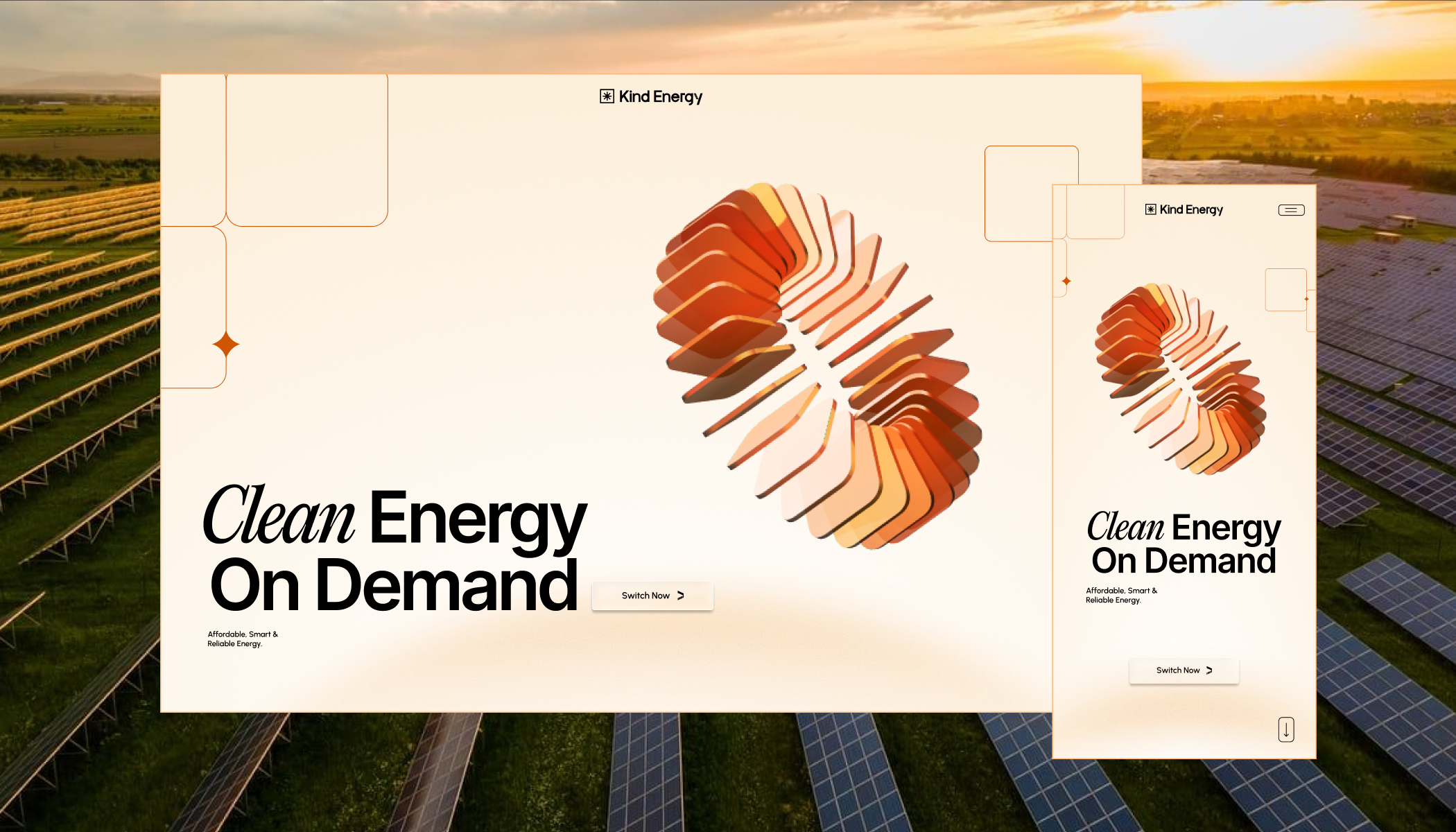
Explore the website design process behind the kind energy
Promote Special Offers and Events
Regular promotions give customers a reason to visit your website frequently and encourage repeat business.
Highlight Seasonal Specials
Feature limited-time menu items tied to holidays, festivals, or seasonal ingredients. Examples include:
- Summer cocktails
- Holiday tasting menus
- Valentine’s Day dinner packages
- Thanksgiving specials
Seasonal content keeps your website fresh and engaging.
Advertise Happy Hours and Discounts
Create a dedicated section for ongoing promotions, such as:
- Happy hour deals
- Lunch specials
- Early bird discounts
- Family meal packages
- Student discounts
Clear promotional messaging can motivate visitors to make immediate reservations.
Showcase Events
If your restaurant hosts special events, display them prominently. Examples include:
- Live music nights
- Wine tastings
- Cooking classes
- Trivia nights
- Birthday celebrations
- Private dining events
Include event details, dates, and an easy registration or reservation option.
Promote Catering and Private Dining
Many restaurants generate significant revenue through catering and private events. If you offer these services, dedicate a page explaining:
- Available packages
- Event capacity
- Sample menus
- Booking process
- Contact information
This opens additional revenue opportunities beyond regular dining.
Keep Your Website Secure and Accessible
A secure and inclusive website builds trust while ensuring every visitor has a positive experience.
Use HTTPS Encryption
An SSL certificate protects customer data by encrypting information shared through your website. This is especially important if you accept online reservations or payments.
Visitors are more likely to trust websites that display the secure HTTPS connection.
Protect Customer Information
If customers submit reservation forms or sign up for newsletters, explain how their information is collected and used. Include:
- Privacy policy
- Cookie notice
- Secure payment methods (if applicable)
Transparency helps build confidence and supports compliance with privacy regulations.
Improve Accessibility
Your website should be usable by everyone, including visitors with disabilities. Consider implementing:
- Alt text for images
- High color contrast
- Keyboard navigation
- Readable fonts
- Proper heading structure
- Descriptive link text
An accessible website not only broadens your audience but also improves overall usability.
Perform Regular Maintenance
Technology evolves quickly, and outdated websites can become vulnerable to security issues. Schedule routine updates to:
- Website software
- Plugins
- Themes
- Security certificates
Regular maintenance helps ensure your website remains fast, secure, and reliable.
Measure Website Performance and Improve Continuously
Launching your website isn’t the end of the process. Successful restaurant websites are continually refined based on customer behavior and performance data.
Monitor Website Traffic
Analytics tools can reveal valuable insights, including:
- Number of visitors
- Most popular pages
- Traffic sources
- Time spent on pages
- Mobile versus desktop usage
Understanding visitor behavior helps identify opportunities for improvement.
Track Reservation Conversions
Measure how many website visitors actually complete reservations. If your booking rate is lower than expected, evaluate whether:
- Reservation buttons are easy to find
- Forms are too long
- Pages load slowly
- Navigation is confusing
Small improvements can significantly increase conversion rates.
Test Different Design Elements
Experiment with different versions of:
- Call-to-action buttons
- Homepage banners
- Images
- Headlines
- Reservation forms
Testing allows you to identify which designs generate the best results.
Keep Content Fresh
Regularly update your website with:
- New menu items
- Blog articles
- Upcoming events
- Customer testimonials
- Seasonal promotions
Fresh content encourages repeat visits and signals to search engines that your website is active.
Explore the design process behind the Sirf Taxi.
Common Restaurant Website Mistakes to Avoid
Even well-designed websites can lose customers if they contain avoidable issues. Watch out for these common mistakes:
- Slow-loading pages that frustrate visitors.
- Outdated menus with incorrect pricing or unavailable dishes.
- Hidden reservation buttons that are difficult to locate.
- Poor mobile responsiveness that affects smartphone users.
- Missing or outdated contact information.
- Low-quality or outdated food photography.
- Excessive pop-ups that interrupt browsing.
- Confusing navigation with too many menu options.
- Broken links or error pages.
- Ignoring customer reviews and feedback.
Regular website audits can help identify and fix these issues before they impact your business.
Conclusion
Your restaurant website is one of your most valuable marketing tools. It’s available 24/7, showcases your brand, and often serves as the deciding factor for potential customers choosing where to dine.
By understanding your audience, creating a visually appealing and mobile-friendly design, simplifying online reservations, showcasing your menu effectively, leveraging local SEO, promoting special offers, maintaining a secure and accessible website, and continuously tracking performance, you can transform your website into a powerful engine for attracting new diners and increasing reservations.
Remember that a successful restaurant website is never truly finished. Customer expectations, design trends, and search engine algorithms evolve over time. Regular updates, fresh content, and ongoing optimization will help your website stay competitive while providing an exceptional experience for every visitor.
When your website makes it easy for customers to discover your restaurant, explore your menu, trust your brand, and reserve a table, it becomes much more than an online brochure, it becomes a reliable driver of long-term business growth.

Nandin
Design Lead