

A website can look impressive and still fail to deliver results. Visitors might struggle to find information, abandon a form halfway through, or leave without understanding what a business offers. In other cases, a website might be easy to navigate but lack the visual quality needed to establish trust. These problems often arise when businesses treat website design as a purely visual exercise instead of considering both how a website looks and how it works.
This is where UX and UI design come in. Although the terms are frequently used together, they address different aspects of the digital experience. User experience (UX) design focuses on making a website useful, intuitive, and easy to navigate, while user interface (UI) design shapes its visual presentation and interactive elements. Understanding the difference helps businesses make better decisions before investing in website design and development.
What Is UX Design?
User experience design focuses on how people interact with a website and whether those interactions meet their needs. It considers the entire journey, from the moment someone lands on a page to the point where they find information, complete a task, or contact a business. UX designers study user expectations, identify friction points, and organise content and functionality to make each step feel natural.
For a business website, UX design might involve simplifying navigation, structuring service pages, improving the enquiry process, or ensuring visitors can find essential information without unnecessary effort. The goal is to remove obstacles between users and what they want to accomplish. A well-designed user experience makes a website easier to understand and use, helping businesses build confidence and encourage meaningful action.
Key Elements of UX Design
- User research: Understanding the target audience, their needs, expectations, and behaviours.
- Information architecture: Organising pages and content into a logical structure.
- User journeys: Mapping the steps visitors take to complete specific tasks.
- Wireframing: Planning page layouts and functionality before detailed visual design begins.
- Usability testing: Identifying confusing interactions and improving the experience based on user feedback.
- Accessibility: Making content and functionality usable by people with different abilities and needs.
Consider a company offering multiple professional services. If visitors cannot understand which service fits their requirements, they may leave before making an enquiry. UX design addresses this problem by organising the services clearly, creating intuitive navigation, and placing relevant calls to action where users need them.
What Is UI Design?
User interface design focuses on the visual and interactive elements people encounter when using a website. It determines how information is presented, how individual components look, and how the website communicates its brand through visual design. This includes typography, colours, buttons, imagery, spacing, icons, forms, and interactive states.
UI design gives a website its visual character while making the interface clear and consistent. A carefully designed interface helps users recognise interactive elements, understand content hierarchy, and move through the website with greater confidence. For businesses, it also creates an opportunity to communicate brand personality, establish credibility, and distinguish their digital presence from competitors.
Key Elements of UI Design
- Typography: Choosing typefaces, sizes, and weights that improve readability and express brand personality.
- Colour systems: Using colour consistently to communicate hierarchy, reinforce identity, and highlight important actions.
- Layout and spacing: Creating visual balance and making information easier to scan.
- Buttons and forms: Designing clear, recognisable interactive elements.
- Imagery and graphics: Selecting visual assets that support the brand and communicate information effectively.
- Consistency: Applying reusable components and design patterns across pages and devices.
- Responsive interfaces: Ensuring the visual experience adapts to different screen sizes.
For example, a premium ecommerce website may use restrained typography, high-quality product imagery, generous whitespace, and carefully considered product details. These choices help communicate quality and make the shopping experience feel cohesive. However, visual appeal alone cannot compensate for a confusing checkout or difficult navigation. UI design works best when it supports a well-planned user experience.
UX vs UI Design: What Is the Difference?
The primary difference between UX and UI design lies in what each discipline aims to improve. UX focuses on the overall experience and the ease with which users accomplish their goals. UI focuses on the interface through which that experience takes place. Both contribute to a website’s effectiveness, but they solve different problems.
| Aspect | UX Design | UI Design |
|---|---|---|
| Primary focus | Usability and overall experience | Visual presentation and interaction |
| Main question | Can users accomplish their goals easily? | Is the interface clear, appealing, and consistent? |
| Key activities | Research, user journeys, wireframes, usability testing | Typography, colours, layouts, components, visual systems |
| Main considerations | User needs, navigation, task completion, accessibility | Visual hierarchy, brand identity, readability, interaction states |
| Typical outcome | A logical, friction-free user journey | A cohesive, intuitive, visually engaging interface |
| Business contribution | Helps users find information and complete actions | Builds visual credibility and supports brand recognition |
Neither discipline replaces the other. A website with strong UX but weak UI may function well yet fail to communicate the quality of the brand. A website with strong UI but weak UX may look polished while leaving visitors confused about where to go next. Businesses need both to create a digital experience that is visually distinctive and genuinely useful.
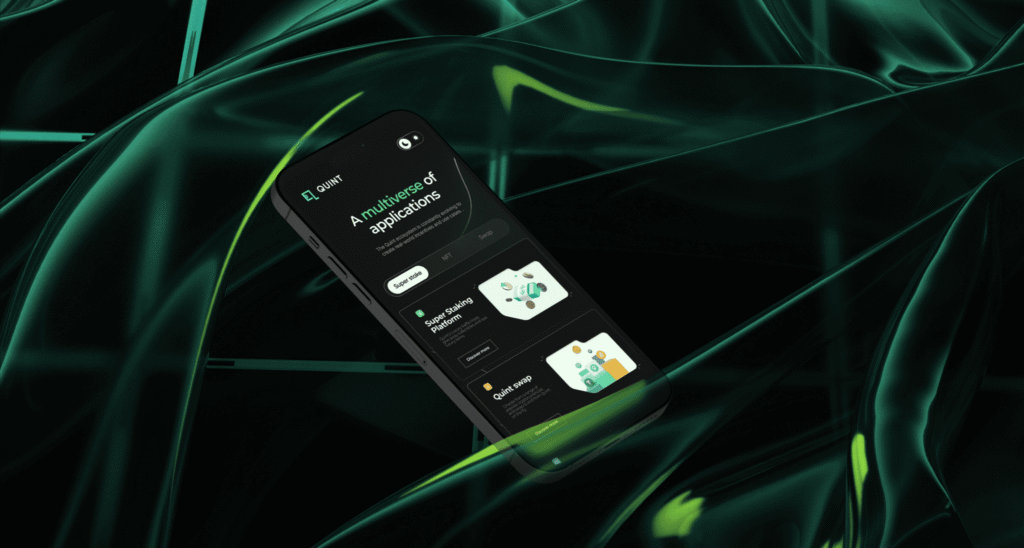
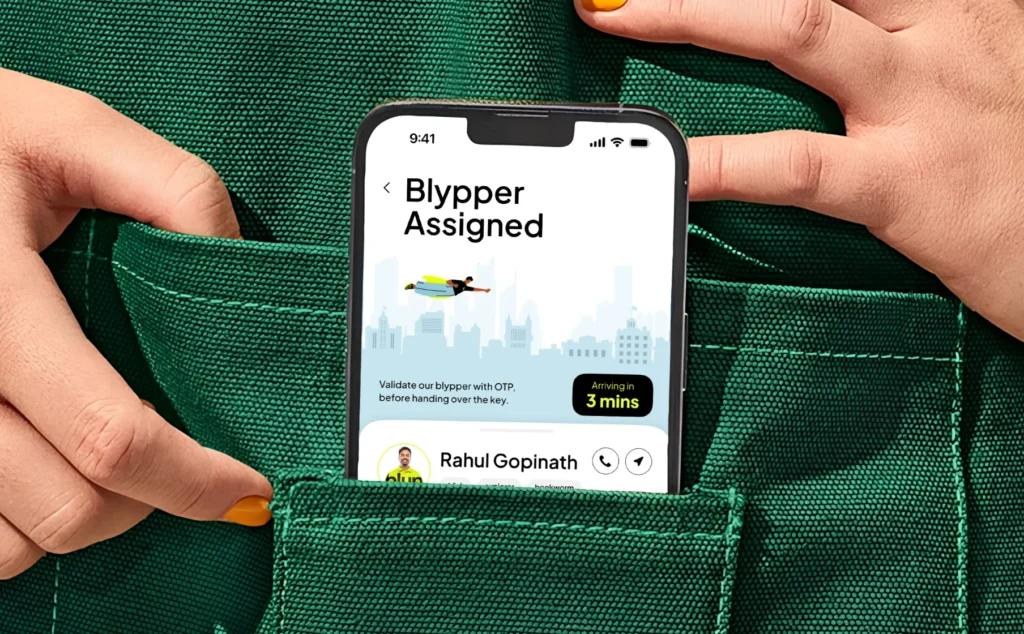
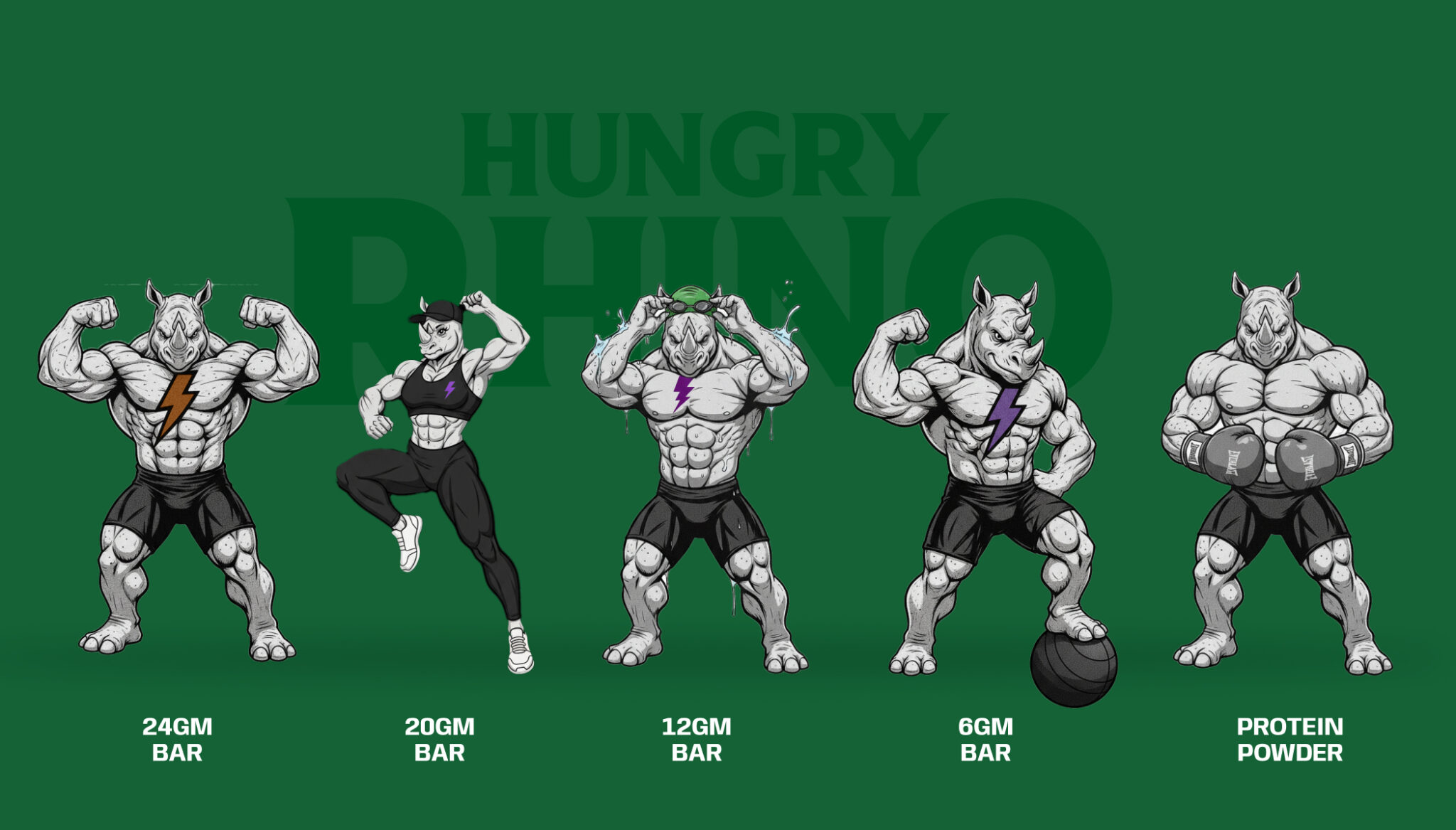
Explore Wings Design’s branding and website design for Blyp
Why Do Businesses Need Both UX and UI Design?
A business website often serves several purposes at once. It introduces the brand, communicates services, answers questions, establishes credibility, and encourages visitors to take the next step. Achieving these objectives requires more than an attractive layout or a technically functional website. UX and UI design must work together to create a coherent experience from the first interaction to the final action.
1. To Make Navigation Simple and Intuitive
Visitors should not have to work hard to understand a website. Clear information architecture, descriptive navigation labels, and predictable page structures help users find relevant content without unnecessary clicks. UX design establishes the logic behind the navigation, while UI design makes that structure easy to recognise through visual hierarchy, spacing, and interaction cues.
2. To Build Trust and Credibility
A website often shapes a visitor’s first impression of a business. Inconsistent layouts, poor typography, outdated visuals, and confusing interactions can undermine confidence before a conversation even begins. A thoughtful UX reduces uncertainty, while a polished UI reinforces the brand’s attention to detail. Together, they help create a digital presence that feels credible, considered, and professional.
3. To Improve Conversion Opportunities
Whether the goal is to generate enquiries, sell products, or encourage demo requests, the path to conversion should feel straightforward. UX design identifies unnecessary steps and barriers, while UI design makes important actions visible and easy to understand. Clear forms, relevant calls to action, helpful feedback, and a logical page structure can make it easier for visitors to complete the actions that matter to a business.
4. To Create a Better Mobile Experience
A website that works well on a desktop may feel difficult to use on a smaller screen. Navigation, text, buttons, forms, and content layouts all need to adapt to mobile behaviour. UX design considers how users interact across devices, while responsive UI design ensures that content remains readable and controls remain usable. This is especially important for visitors who discover a business through mobile search or social media.
5. To Maintain Brand Consistency
A strong brand experience should feel consistent across every page, not just the homepage. UX design creates a coherent structure and journey, while UI design establishes reusable visual elements, typography rules, colours, and component patterns. This consistency helps users understand the website more quickly and gives the brand a recognisable presence throughout the digital experience.
UX vs UI: Which Should Come First in Website Design?
UX and UI are closely connected, but effective website projects generally establish the user experience before finalising the interface. Starting with visual design alone can lead to attractive page concepts that do not adequately address user needs, content priorities, or business objectives. By defining the structure and intended user journey first, businesses can make visual decisions based on a clear purpose rather than appearance alone.
A typical process begins with business goals, audience research, and an understanding of what visitors need from the website. The team then develops the information architecture, maps important user journeys, and creates wireframes to establish page structure and functionality. Once the underlying experience is clear, UI design introduces the visual system, including typography, colours, imagery, layouts, and interactive components.
This does not mean UX and UI must operate as separate, strictly sequential phases. Designers often move between the two as new information emerges. Testing a visual prototype may reveal a navigation problem, while developing a page layout may expose a gap in the content structure. An iterative process allows both disciplines to inform each other before the website moves into development.
How UX and UI Design Work Together in a Business Website
Imagine a B2B company that wants its website to generate qualified enquiries. The UX process might begin by identifying the information potential clients need before contacting the company. This could lead to a clear services structure, relevant case studies, accessible contact information, and a shorter enquiry journey. Each decision is guided by the questions visitors are likely to have and the actions the business wants them to take.
UI design then translates that structure into a cohesive visual experience. Typography establishes content hierarchy, imagery communicates the company’s work, and carefully placed calls to action help visitors understand what to do next. Forms use clear labels and helpful feedback, while responsive layouts preserve usability across devices. The result is a website in which visual design and functionality reinforce one another rather than compete for attention.
The same principle applies to ecommerce, SaaS platforms, real estate websites, and other digital products. The details change according to the audience and business model, but the objective remains consistent: make the experience easy to understand, visually coherent, and aligned with user needs.
Common UX and UI Design Mistakes Businesses Should Avoid
Even businesses that invest in professional website design can overlook details that affect usability and perception. Recognising these mistakes early can help prevent expensive revisions and improve the quality of the final website.
- Prioritising aesthetics over usability: An elaborate visual concept should never make essential content or actions harder to access.
- Designing without understanding users: Decisions based entirely on internal preferences may not reflect how the target audience thinks or behaves.
- Overcomplicating navigation: Too many menu items, unclear labels, and poorly structured pages create unnecessary friction.
- Using inconsistent visual elements: Different button styles, spacing rules, and typography treatments can make the interface feel fragmented.
- Ignoring mobile usability: Small controls, crowded layouts, and difficult forms can frustrate users on mobile devices.
- Overusing animation and interactions: Motion should communicate information or enhance the experience, not distract from the task at hand.
- Treating accessibility as an afterthought: Readable text, sufficient colour contrast, keyboard accessibility, and clear interaction states should be considered from the beginning.
- Skipping testing: Assumptions about how people will use a website should be checked against real feedback and observed behaviour.
Avoiding these mistakes requires collaboration between strategy, UX, UI, content, and development teams. It also requires evaluating the website as a complete experience instead of reviewing individual pages in isolation.
How to Choose the Right UX/UI Design Approach for Your Business
The right approach depends on the purpose of the website, the needs of its audience, and the complexity of the interactions involved. A corporate website may need a strong information structure, clear service pages, and an effective enquiry journey. An ecommerce store requires particular attention to product discovery, product information, cart interactions, and checkout usability. A SaaS platform may need more extensive user flows, onboarding, and interface patterns to support recurring tasks.
Before beginning a website project, businesses should define what success looks like. This might include more qualified enquiries, improved product discovery, fewer abandoned forms, stronger engagement with service pages, or better usability on mobile devices. These goals provide a practical basis for UX decisions and help UI designers establish the appropriate visual priorities.
It is equally important to consider the website’s long-term needs. A reusable design system can maintain consistency as new pages are introduced, while a flexible content structure makes updates easier to manage. Performance, accessibility, responsive behaviour, and search engine requirements should also be considered throughout design and development. The strongest approach connects user needs, brand expression, and business objectives from the outset.
Conclusion
UX and UI design address different parts of the same challenge: creating a website that works well for people while representing the business effectively. UX establishes the structure, logic, and ease of use behind the experience. UI shapes the visual language and interactive elements that bring that experience to life. Treating them as complementary disciplines helps businesses avoid websites that look impressive but feel confusing, or function adequately but fail to communicate their value.
For businesses preparing to build or redesign a website, the priority should be to establish a clear strategy, understand the audience, and bring UX and UI together throughout the design process. When usability and visual quality are considered from the beginning, a website can become more than a digital brochure. It can serve as a useful, credible, and scalable business asset.
Planning a website that balances thoughtful UX with distinctive UI? Explore Wings Design’s website design and development services to see how strategy, design, and development can come together to create better digital experiences.