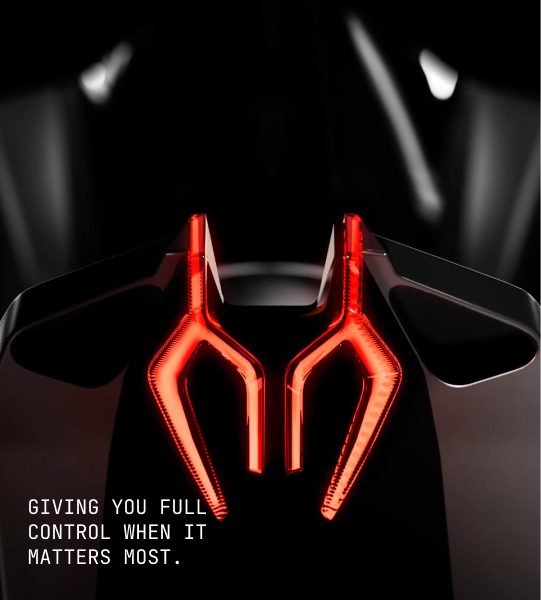



What Is Webflow?
Webflow is a powerful no-code visual website builder that combines professional web design, development, and content management tools in one platform. It allows users to create fully customized websites without writing code while still offering the level of control typically expected from professional development workflows.
Webflow is widely used by designers, agencies, startups, SaaS companies, and businesses that need high-quality, scalable websites with advanced customization.
Key Features of Webflow
Visual HTML & CSS Control
Webflow provides a visual interface that gives users detailed control over website structure, layouts, typography, spacing, and styling, similar to working directly with HTML and CSS.
Powerful CMS Capabilities
Webflow’s CMS allows users to create and manage dynamic content such as blogs, case studies, portfolios, and product pages with flexible content structures.
Responsive Design
Webflow makes it easy to build websites that adapt across different screen sizes, including desktops, tablets, and mobile devices.
Animations & Interactions
Users can create advanced animations, scrolling effects, and interactive experiences without needing JavaScript or custom coding.
Managed Hosting
Webflow provides secure hosting, fast performance, SSL certificates, and website management tools, reducing the need for external hosting solutions.
SEO Tools
Webflow includes built-in SEO features such as customizable metadata, clean code output, structured content, sitemaps, and URL management.
Ecommerce Functionality
Webflow offers ecommerce features that allow businesses to create customized online stores with flexible product pages and checkout experiences.

Explore the Web development process behind the Alriyami advocates
Webflow Strengths
Advanced Design Freedom
Provides professional-level control over layouts, styles, and website interactions.
Ideal for Professional Websites
Perfect for businesses, agencies, and brands that need premium-looking websites.
Powerful CMS
Supports structured content management for blogs, portfolios, and large websites.
Developer-Level Customization Without Coding
Offers the flexibility of traditional development while maintaining a visual workflow.
Webflow Weaknesses
Steeper Learning Curve
The wide range of features can feel overwhelming for beginners.
Less Beginner-Friendly Than Wix
Users looking for a simple drag-and-drop website builder may find Webflow more complex.
Best For
Webflow is best suited for:
- Designers who want complete creative control
- Agencies building websites for clients
- SaaS companies creating professional marketing websites
- Businesses that need scalable websites
- High-end brands requiring custom digital experiences
What Is Wix Website Builder?
Wix is a beginner-friendly drag-and-drop website builder designed for individuals, entrepreneurs, freelancers, and small businesses. It allows users to create professional websites without coding knowledge by using ready-made templates and simple visual editing tools.
Wix is popular among users who want to build and launch a website quickly without dealing with technical setup or complex design processes.
Key Features of Wix
Drag-and-Drop Editor
Wix offers an easy visual editor that allows users to add, move, and customize website elements such as text, images, buttons, and sections without coding.
Large Template Library
Wix provides hundreds of professionally designed templates for different industries, making it easy to start a website quickly.
Wix ADI (AI Website Creation)
Wix ADI uses artificial intelligence to help users generate a website based on their business type, preferences, and requirements.
Business Tools
Wix includes built-in tools for managing businesses, including customer management, forms, email marketing, and communication features.
Blogging Features
Users can create and manage blogs with tools for publishing articles, organizing content, and improving audience engagement.
Ecommerce Support
Wix allows businesses to create online stores, manage products, accept payments, and handle basic ecommerce operations.
Booking Systems
Service-based businesses can use Wix booking tools to schedule appointments, manage calendars, and accept customer bookings.
Marketing Tools
Wix provides marketing features such as SEO guidance, email campaigns, social media integrations, and promotional tools.
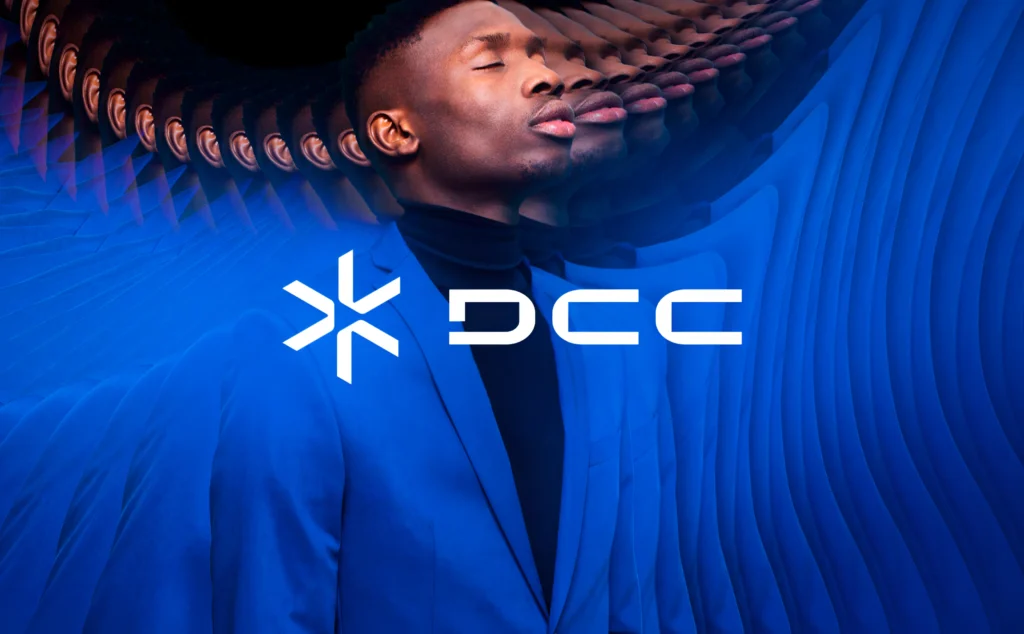
Explore the Web development process behind the DCC.
Wix Strengths
Very Easy to Use
Wix is one of the most beginner-friendly website builders, requiring little to no technical knowledge.
Fast Website Creation
Users can create and publish a website quickly using templates and guided tools.
Large Template Library
A wide selection of templates makes it easy to find a design for different industries.
Great for Small Businesses
Wix provides useful business features that help small companies manage their online presence.
Wix Weaknesses
Less Design Flexibility Than Webflow
Wix offers customization options but does not provide the same level of design control as Webflow.
Can Feel Limiting for Advanced Designers
Professional designers may find Wix restrictive when creating highly customized or complex websites.
Best For
Wix is best suited for:
- Small businesses looking to establish an online presence
- Restaurants needing websites and booking features
- Freelancers showcasing services and portfolios
- Local service providers
- Beginners creating their first website
What Is a Framer?
Framer is a no-code website builder focused on high-quality visual design, animations, and interactive websites.
Key Features:
- Modern website designs
- Advanced animations
- Responsive layouts
- Component-based design
- CMS
- AI website generation
Strengths:
Beautiful modern websites
Fast design workflow
Excellent animations
Great for landing pages
Weaknesses:
Smaller ecosystem than Wix/Webflow
Ecommerce features are limited
Best For:
- Designers
- Startups
- Portfolio websites
- Landing pages
- Creative websites

Explore the Web development process behind the Blossom Height.
Webflow vs Framer Comparison Table
| Feature | Webflow | Framer |
| Ease of Use | Medium — requires more time to learn due to advanced features | Easy — beginner-friendly with a faster design workflow |
| Design Control | Excellent — advanced layout, styling, and customization options | Excellent — strong visual design capabilities and modern layouts |
| Animations | Advanced — powerful interactions and animation controls | Excellent — smooth animations and interactive experiences |
| CMS | Powerful — ideal for blogs, businesses, and large content websites | Good — suitable for blogs, portfolios, and smaller content needs |
| Ecommerce | Yes — built-in ecommerce features for online stores | Limited — not designed for advanced ecommerce needs |
| Learning Curve | Higher — more professional features require more learning | Lower — easier for designers and beginners to get started |
| Best For | Professional websites, agencies, businesses, and scalable projects | Creative websites, portfolios, landing pages, and startups |
Webflow vs Framer: Key Differences Explained
Webflow and Framer are both powerful no-code website builders, but they are designed with different priorities in mind. Webflow focuses on professional-level control and scalability, while Framer focuses on speed, creativity, and visual experiences.
Design Freedom
Winner: Webflow
Webflow provides greater design flexibility and control, making it better suited for complex website projects.
Why Webflow Wins:
✔ More control over layouts and styling
✔ Advanced customization options
✔ Better for complex website structures
✔ More flexibility for professional designers and developers
Best For: Business websites, large projects, agencies, and custom designs.
Animations & Interactions
Winner: Framer
Framer stands out for creating smooth, modern animations and interactive website experiences quickly.
Why Framer Wins:
✔ Faster workflow for interactive designs
✔ Excellent motion effects and transitions
✔ Easier creation of visually engaging experiences
✔ Ideal for modern landing pages and creative websites
Best For: Portfolios, startup websites, product launches, and creative projects.
Ease of Learning
Winner: Framer
Framer offers a simpler interface and a faster learning curve compared to Webflow.
Why Framer Wins:
✔ Easier for beginners to understand
✔ Faster website creation process
✔ More intuitive design workflow
✔ Less technical complexity
Best For: Designers, beginners, and users who want quick results.
Professional Websites
Winner: Webflow
Webflow is the stronger choice for professional websites that require flexibility, scalability, and advanced features.
Why Webflow Wins:
✔ Better suited for agencies and businesses
✔ More powerful CMS capabilities
✔ Supports complex website requirements
✔ Offers stronger customization for professional projects
Best For: Companies, agencies, SaaS platforms, and enterprise websites.
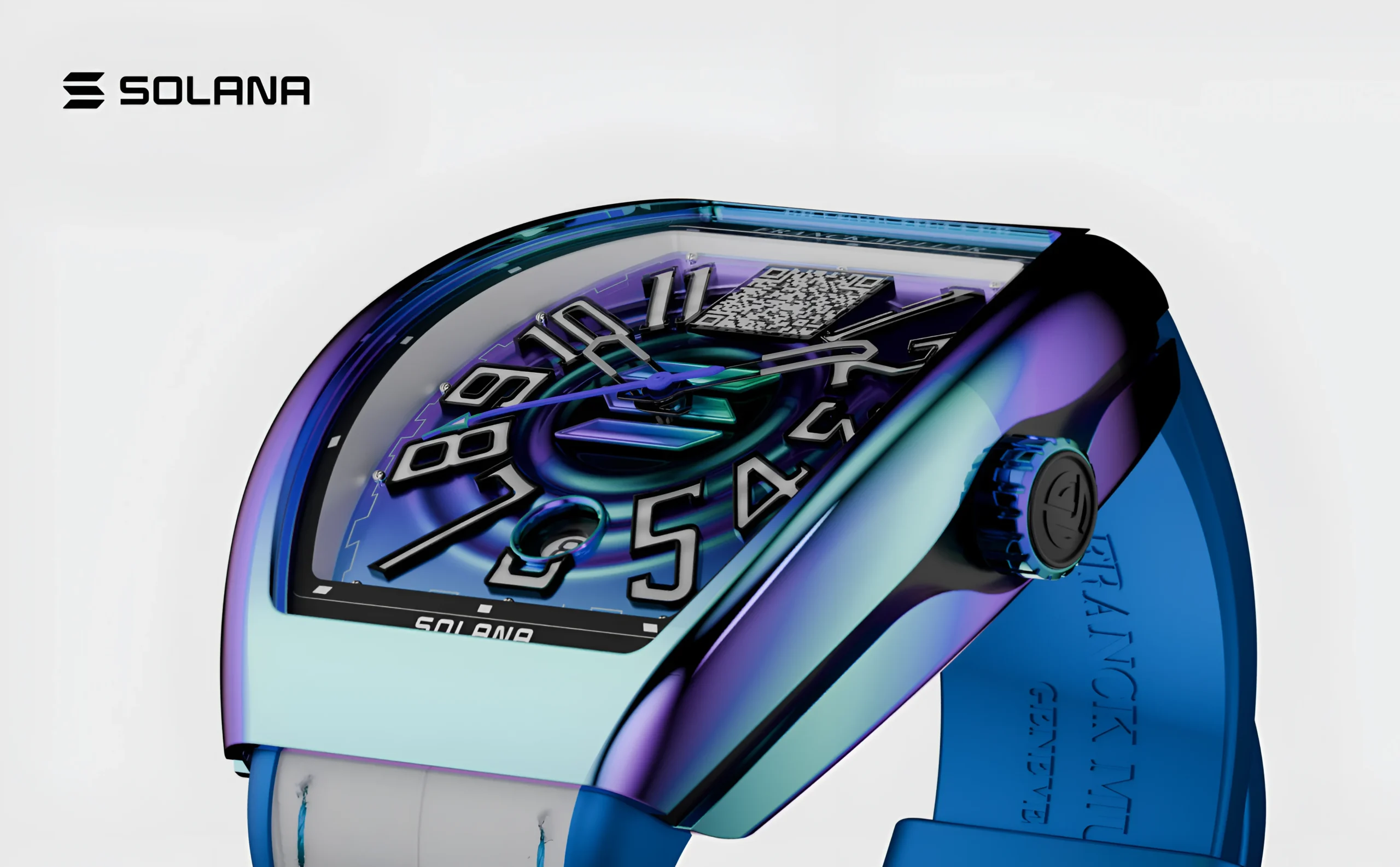
Explore the Website development process behind the Franck muller.
Final Comparison Summary
| Category | Winner | Best Choice For |
| Design Freedom | Webflow | Complex and highly customized websites |
| Animations & Motion Design | Framer | Interactive and creative experiences |
| Ease of Learning | Framer | Beginners and fast website creation |
| Professional Websites | Webflow | Businesses, agencies, and scalable projects |
Webflow vs Wix: Detailed Comparison
Webflow and Wix are two of the most popular website builders, but they are designed for different types of users. Wix focuses on simplicity and speed, while Webflow focuses on professional design control and customization.
For beginners, Wix is often easier to start with. For businesses and designers who need more flexibility, Webflow provides more advanced capabilities.
Webflow vs Wix Comparison Table
| Feature | Webflow | Wix |
| Beginner Friendly | Medium — requires time to learn | Excellent — very easy for beginners |
| Design Control | Excellent — advanced customization options | Good — flexible but more limited |
| Templates | Good — professional templates with customization | Excellent — large template library |
| SEO | Advanced — detailed SEO control | Good — beginner-friendly SEO tools |
| Ecommerce | Strong — customizable online stores | Strong — easy-to-manage ecommerce features |
| Customization | Excellent — professional-level flexibility | Medium — easier but less advanced |
| Learning Curve | Higher — more features require learning | Lower — simple drag-and-drop experience |
Webflow for Ecommerce: Can It Replace Shopify or Wix Ecommerce?
Webflow Ecommerce Overview
Webflow Ecommerce is a website-building solution that allows businesses to create customized online stores with a strong focus on design, branding, and user experience.
Unlike dedicated ecommerce platforms such as Shopify, Webflow prioritizes creative control and custom storefront experiences. It can replace Shopify or Wix Ecommerce for businesses that want a visually unique store, but it may not be the best option for large-scale ecommerce operations that require extensive apps and advanced features.
Webflow Ecommerce Features
Product Management
Webflow allows businesses to add, organize, and manage products with details such as:
✔ Product names and descriptions
✔ Images and pricing
✔ Product categories
✔ Inventory information
This makes it easy to maintain a professional product catalog.
Custom Storefront Designs
One of Webflow’s biggest advantages is complete design flexibility.
Businesses can create:
✔ Unique homepage designs
✔ Custom product layouts
✔ Branded shopping experiences
✔ Interactive product showcases
Unlike many ecommerce platforms that rely heavily on templates, Webflow gives brands more creative freedom.
Checkout System
Webflow includes a built-in checkout system that allows customers to complete purchases directly from the website.
Businesses can customize the shopping experience while maintaining a consistent brand identity throughout the customer journey.
CMS Integration
Webflow Ecommerce works with Webflow CMS, allowing businesses to combine products with content such as:
✔ Blog posts
✔ Product guides
✔ Brand stories
✔ Marketing pages
This helps create content-driven ecommerce experiences.
Custom Product Pages
Webflow allows businesses to design product pages from scratch instead of using fixed layouts.
Brands can create:
✔ Custom product presentations
✔ Rich visual experiences
✔ Unique product storytelling
✔ Conversion-focused layouts
Order Management
Webflow provides tools to manage customer orders, track purchases, and handle basic ecommerce operations from one platform.

Explore the Website development process behind the Kind Energy
Advantages of Webflow Ecommerce
Unique Ecommerce Designs
Webflow is ideal for businesses that want their online store to look different from standard ecommerce websites.
Better Branding Control
Businesses get more control over:
✔ Website appearance
✔ Customer experience
✔ Animations and interactions
✔ Brand presentation
Great for Premium Products
Webflow works especially well for products where design and presentation influence buying decisions.
Examples:
- Luxury products
- Fashion brands
- Designer goods
- Creative products
Limitations of Webflow Ecommerce
Smaller Ecommerce Ecosystem Than Shopify
Compared to platforms like Shopify, Webflow has fewer ecommerce extensions, integrations, and third-party solutions.
Fewer Apps and Plugins
Businesses that need advanced features such as:
- Complex inventory systems
- Subscription management
- Extensive automation
- Marketplace integrations
may find Webflow more limited.
Best Ecommerce Use Cases for Webflow
Webflow Ecommerce is best suited for:
Luxury Brands
Brands that need premium visuals and a high-end shopping experience.
Creative Businesses
Design-focused companies that want unique storefronts.
Custom Product Stores
Businesses selling specialized products with smaller catalogs.
Small-to-Medium Product Catalogs
Companies that do not require extremely complex ecommerce operations.

Explore the Website development process behind the Quint.
Framer AI: How AI Is Changing Website Building
What Is Framer AI?
Framer AI is a website creation tool that uses artificial intelligence to help users generate website designs, layouts, and content through simple text prompts.
Instead of starting from a blank canvas, users can describe their idea, and Framer AI creates a starting website structure that can be customized and refined.
Framer AI makes the website-building process faster by reducing the time spent on initial design, layout creation, and content writing.
How Framer AI Helps Build Websites
Generate Website Designs
Framer AI can create complete website concepts based on user instructions, including layouts, sections, and visual structures.
Users can quickly turn an idea into a working website draft.
Create Page Layouts
Framer AI helps generate structured pages with commonly used sections such as:
✔ Hero sections
✔ Feature areas
✔ Pricing sections
✔ Testimonials
✔ Contact sections
✔ Call-to-action blocks
This allows users to build websites without designing every element manually.
Generate Text Content
Framer AI can assist with website copy, including:
✔ Headlines
✔ Product descriptions
✔ Marketing messages
✔ Section content
This helps users create a complete website faster.

Explore the Web development process behind the Chaitanya.
Create Website Sections
Users can generate individual website components based on their requirements.
Examples:
- SaaS feature sections
- Portfolio layouts
- Business service pages
- Landing page sections
Speed Up Prototyping
One of Framer AI’s biggest advantages is faster idea testing.
Designers, startups, and businesses can quickly create prototypes, review concepts, and make improvements before final development.
Framer AI Example
Prompt:
“Create a SaaS landing page with pricing, testimonials, and signup form.”
Framer AI can generate:
✔ A hero section explaining the product
✔ Feature sections highlighting benefits
✔ Pricing cards
✔ Customer testimonials
✔ Signup call-to-action section
Users can then customize the design, branding, colors, and content.
Framer AI vs Traditional Website Building
| Feature | Traditional Website Building | Framer AI |
| Layout Creation | Manual layout creation from scratch | AI-generated layouts based on prompts |
| Design Process | Requires more time and planning | Faster website creation and prototyping |
| Required Skills | Often requires design experience | More accessible for beginners |
| Starting Point | Blank canvas or template | AI-generated website structure |
| Workflow Speed | Slower iteration process | Faster experimentation and updates |
Does Framer AI Make Website Building Faster?
Yes, Framer AI significantly speeds up the early stages of website creation by helping users generate layouts, content, and design ideas quickly.
It is especially useful for:
- Startups testing website ideas
- Designers creating prototypes
- Beginners building their first website
- Businesses launching marketing pages
However, AI does not replace human creativity. The best results come from using Framer AI as a design assistant that accelerates the process, while humans refine the final experience.

Explore the Web development process behind the Vedic city.
Wix AI: How AI Changes Website Building
What Is Wix AI?
Wix AI is a website creation tool that uses artificial intelligence to help users build websites faster and easier. It allows users to create website layouts, generate content, and customize designs by answering simple questions or providing prompts.
Unlike traditional website building, where users start from scratch, Wix AI helps generate a personalized website foundation that can be edited using Wix’s drag-and-drop editor.
How Wix AI Helps Build Websites
Generate Website Designs
Wix AI can create a complete website structure based on a user’s business type, goals, and preferences.
Users can quickly generate:
✔ Homepage layouts
✔ Website sections
✔ Navigation menus
✔ Design styles
✔ Business-specific content
This makes website creation faster for beginners.
Create Page Layouts
Wix AI helps generate ready-to-use page structures for different website types.
Examples:
✔ Business websites
✔ Portfolio pages
✔ Restaurant websites
✔ Service pages
✔ Online stores
Users can customize these layouts after generation.
Generate Website Content
Wix AI can assist with creating website text, including:
✔ Headlines
✔ Business descriptions
✔ Service details
✔ Marketing copy
✔ Blog content ideas
This helps users create professional-looking websites without spending hours writing content.
Create Website Sections
Wix AI can generate common website sections such as:
- Hero banners
- About sections
- Services sections
- Testimonials
- Contact forms
- FAQ sections
Users can modify these sections using Wix’s visual editor.
Speed Up Website Creation
One of Wix AI’s biggest advantages is helping beginners launch websites quickly.
Instead of manually selecting templates and designing every section, users can start with an AI-generated website and make adjustments based on their needs.
Wix AI Example
Prompt:
“Create a website for a local restaurant with a menu, reservation section, customer reviews, and contact information.”
Wix AI can generate:
✔ Restaurant homepage
✔ Menu section
✔ Booking area
✔ Customer testimonials
✔ Contact details
✔ Brand-focused design
Users can then edit images, text, colors, and layouts.
Wix AI vs Traditional Website Building
| Feature | Traditional Website Building | Wix AI |
| Layout Creation | Manually choose templates and build sections | AI-generated website layouts |
| Design Process | Requires more time and planning | Faster website creation |
| Required Skills | Basic design knowledge needed | Beginner-friendly workflow |
| Starting Point | Template or blank website | AI-created website foundation |
| Customization | Manual editing required | AI suggestions plus drag-and-drop editing |
SEO Comparison: Webflow vs Framer vs Wix
Search engine optimization (SEO) plays a crucial role in helping businesses improve their Google rankings, attract organic traffic, and grow online visibility. Each no-code builder offers different levels of SEO control and features.
Webflow SEO
Best for: Businesses, agencies, and professionals who need advanced SEO control
✔ Advanced control over SEO settings
✔ Clean and optimized code output
✔ Full control over metadata (title tags, meta descriptions, Open Graph settings)
✔ Flexible CMS for structured content creation
✔ Custom URLs, redirects, and sitemap management
✔ Better control for technical SEO optimization
Verdict: Webflow provides the most powerful SEO capabilities for users who want complete control over their website optimization.
Framer SEO
Best for: Designers and creators building fast, modern websites
✔ Strong technical SEO foundation
✔ Fast-loading websites with optimized performance
✔ Basic SEO customization options
✔ Automatic sitemap generation
✔ Mobile-friendly designs
However, Framer offers fewer advanced SEO controls compared to Webflow, making it better suited for simpler marketing sites and creative projects.
Verdict: Framer delivers good SEO performance, especially for speed and modern website experiences.
Wix SEO
Best for: Beginners and small businesses
✔ Beginner-friendly SEO tools
✔ Built-in SEO checklist and guided setup
✔ Easy metadata editing
✔ Marketing integrations
✔ Simple SEO management without technical knowledge
Wix makes SEO accessible for beginners, but advanced users may find its customization options more limited compared to Webflow.
Verdict: Wix is a great choice for users who want simple, guided SEO without complexity.
SEO Winner: Which Builder Performs Best?
| Category | Winner |
| Advanced SEO Control | Webflow |
| Beginner-Friendly SEO | Wix |
| Technical Performance & Speed | Framer |
| Overall SEO Flexibility | Webflow |
Which No-Code Builder Should You Choose?
Choose Webflow If:
✔ You need professional design control
Webflow is the best choice when you want complete control over your website’s layout, structure, and visual details. Unlike simple drag-and-drop builders, Webflow gives designers the ability to create highly customized websites with advanced styling, responsive layouts, and professional-level design systems.
✔ You build business websites
For companies, startups, agencies, and brands, Webflow provides the tools needed to create polished, high-performing websites. It is suitable for corporate websites, marketing websites, product pages, and digital experiences that require a professional look.
✔ You need CMS flexibility
Webflow’s CMS allows you to manage dynamic content such as blogs, case studies, portfolios, product listings, and team pages. It provides more flexibility compared to basic website builders, making it easier to maintain larger websites.
✔ You work as a designer or agency
Webflow is especially valuable for freelancers, UI/UX designers, and agencies that build websites for clients. Its advanced design capabilities, reusable components, and professional workflows make it a strong choice for creating custom client projects.
✔ You need long-term scalability
If your website needs to grow over time, Webflow provides a strong foundation. It supports advanced layouts, integrations, SEO optimization, and complex content structures without requiring a complete rebuild.
Best suited for:
Professional websites, agencies, startups, SaaS companies, marketing teams, and experienced designers.

Explore the Web development process behind the Kind Energy
Choose Framer If:
✔ You want modern visual experiences
Framer is designed for creating visually impressive websites with smooth animations, creative layouts, and modern interactions. It is a great option when design impact is your top priority.
✔ You create landing pages
Framer works especially well for startups, product launches, campaigns, and marketing pages. Its fast workflow allows designers to quickly create attractive landing pages without spending time on complex development.
✔ You want AI-assisted design
Framer includes AI-powered features that help users generate website layouts, sections, and design ideas faster. This makes it useful for creators who want to turn concepts into websites quickly.
✔ You prioritize animations and interactions
If your website depends on motion, transitions, and engaging user experiences, Framer provides powerful animation tools. It allows designers to create websites that feel more dynamic and interactive.
✔ You focus on creativity over complexity
Framer is ideal for designers who want freedom to experiment with layouts, typography, and visual storytelling without dealing with traditional coding.
Best suited for:
Creative portfolios, startup landing pages, designers, personal brands, and visually focused websites.
Choose Wix If:
✔ You are a beginner
Wix is one of the easiest website builders to learn. Its simple drag-and-drop editor allows beginners to create websites without understanding coding, design systems, or technical concepts.
✔ You need a website quickly
If your goal is to launch a website fast, Wix provides ready-made templates, built-in features, and simple customization options. You can create a functional website within a short time.
✔ You run a small business
Wix is a practical choice for small businesses such as restaurants, local services, freelancers, consultants, and shops that need an online presence without complex development.
✔ You need simple ecommerce
Wix provides built-in ecommerce tools for selling products, managing inventory, accepting payments, and creating online stores. It works well for small and medium-sized online businesses.
✔ You prefer an all-in-one platform
Wix combines website building, hosting, marketing tools, SEO features, and business tools in one platform, making it convenient for users who want everything in one place.
Best suited for:
Beginners, small businesses, personal websites, local services, and simple online stores.
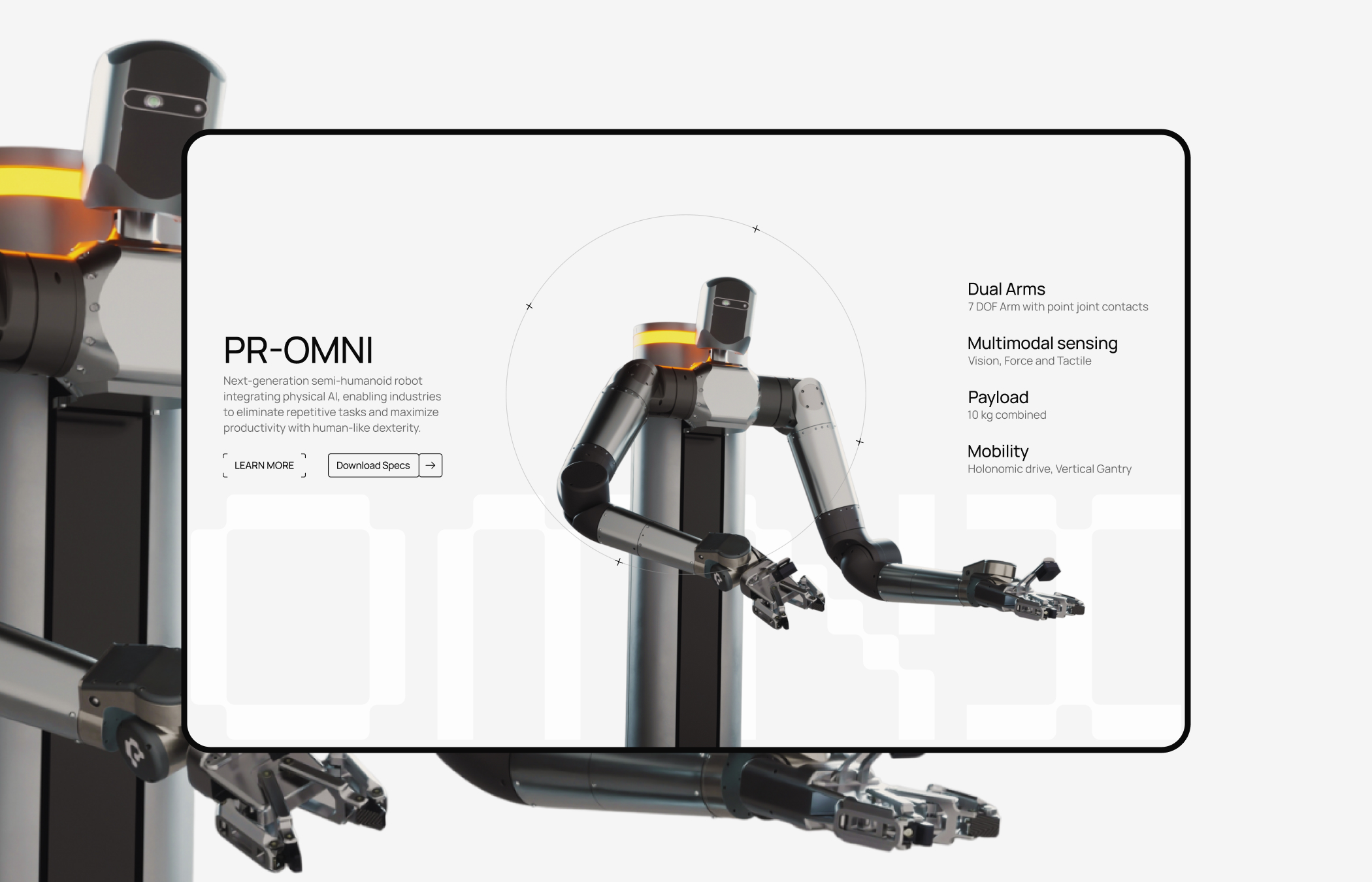
Explore the Web development process behind the perceptyne.
Quick Decision Summary
| Your Goal | Best Choice |
| Professional website with advanced customization | Webflow |
| Creative website with animations and modern design | Framer |
| Beginner-friendly website with quick setup | Wix |
| Agency and client projects | Webflow |
| Landing pages and startup websites | Framer |
| Small business website or simple ecommerce | Wix |
Which Builder Wins?
There is no single website builder that is the perfect choice for everyone. The best option depends on your goals, experience level, and the type of website you want to create.
Overall Winner: Webflow
Best for: Professional websites, businesses, and scalable projects
Webflow offers the best balance of professional design control, flexibility, CMS capabilities, and scalability. It is the strongest choice for users who want a highly customized website with room to grow.
Best for Beginners: Wix
Best for: Simple websites, small businesses, and first-time creators
Wix stands out for its ease of use, beginner-friendly interface, and quick setup process. It is ideal for users who want to build a website without dealing with technical complexity.
Best for Designers & AI-Powered Websites: Framer
Best for: Creative portfolios, modern landing pages, and design-focused projects
Framer is the top choice for designers who want beautiful animations, modern layouts, and AI-assisted website creation. It is perfect for creating visually impressive digital experiences.
Final Takeaway
Each builder has its own strengths:
- Webflow is the best choice for professional, flexible, and scalable websites.
- Framer is ideal for creative, design-focused, and AI-powered experiences.
- Wix is the easiest option for beginners who want simplicity and speed.
Choose the platform that matches your goals, Webflow for power, Framer for creativity, and Wix for simplicity.

Mugesh Kanna
Junior Web developer